
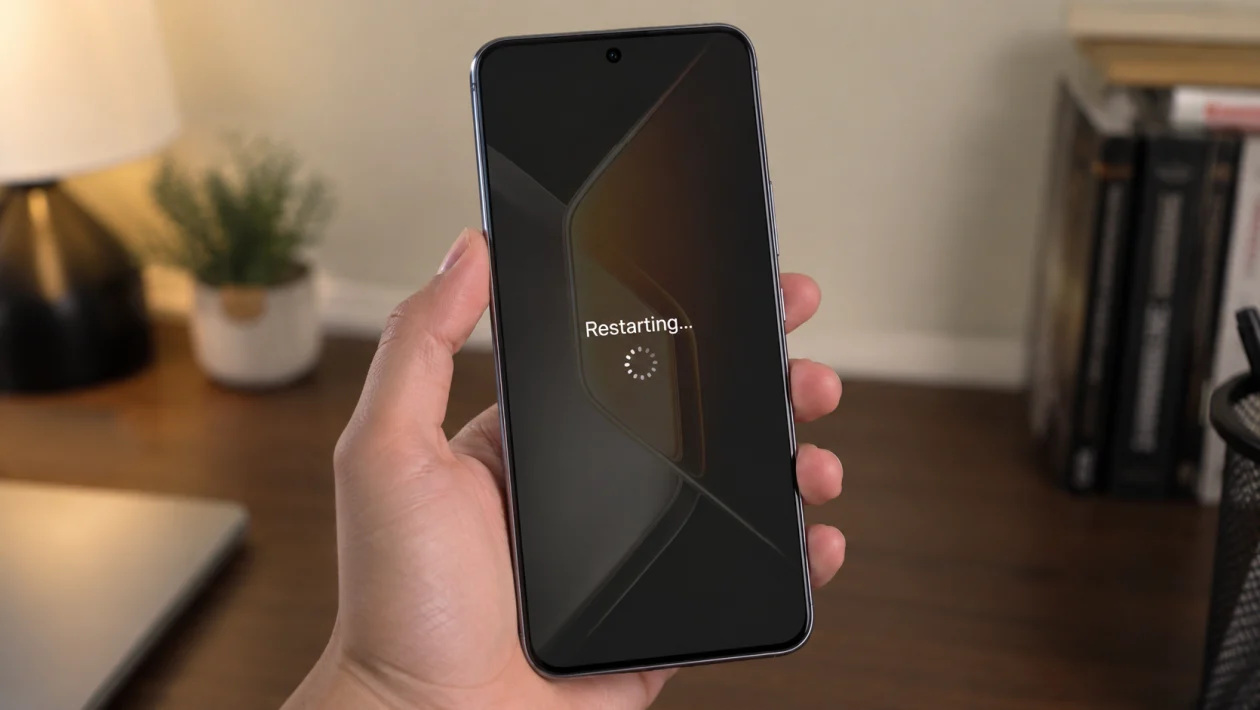
If your Infinix GT 50 Pro started restarting by itself after a software update, do not assume the phone is already damaged.
Accidental restarts can happen when the update leaves behind temporary system issues, an app becomes unstable, storage gets too full, the phone overheats, or a setting like scheduled restart is enabled without you noticing.
Start with the safe fixes first. Check battery, storage, apps, and restart settings before trying anything that deletes data.
Quick answer
To fix an Infinix GT 50 Pro that keeps restarting after an update, first restart the phone manually, update your apps, check storage, and turn off scheduled power on/off or scheduled restart. Then test the phone in Safe Mode to see if a third-party app is causing the problem.
If the issue continues, clear suspicious app data, reset app preferences, reset system settings, or back up your files and perform a factory reset.
Infinix GT 50 Pro restart problem diagnostic table
| Symptom | Likely cause | Check first |
|---|---|---|
| Restarts at the same time daily | Scheduled restart or power setting | Settings > Scheduled power on/off and restart |
| Restarts after opening one app | App bug after update | Update or uninstall that app |
| Restarts while gaming | Heat, RAM load, battery strain | Temperature, Game Mode, background apps |
| Restarts when storage is almost full | Low storage | Settings > Storage |
| Restarts after unlocking | Launcher, wallpaper, widget, or system UI issue | Safe Mode |
| Restarts during charging | Charger, cable, heat, or battery issue | Charger and charging temperature |
| Restarts randomly after update | System cache, app conflict, update bug | App updates and system settings |
| Keeps restarting before home screen | Boot loop or corrupted update | Recovery mode or service center |
Why your Infinix GT 50 Pro keeps restarting after an update
Your Infinix GT 50 Pro may restart after an update because the phone is still adjusting to the new software, or because one app no longer works properly with the updated XOS version.
Common causes include:
Apps that need updates
Low storage
Scheduled restart settings
Overheating
Game Mode or performance settings
Corrupted app cache
A faulty launcher, widget, or wallpaper app
A stuck power button
Battery or charging issues
A bad system update installation
The fixes below are arranged from safest to most serious. Try them in order.
1. Restart the phone manually first
This sounds too simple, but it is still the best first move.
After a system update, some background services may not settle properly until the phone gets one clean restart. A manual restart can stop stuck processes and reload system services.
- Press and hold the Power button.
- Tap Restart.
- Wait for the phone to boot normally.
- Use it for a few hours.
- Check if the accidental restarts continue.
If the phone is frozen, press and hold the Power button for about 10 to 20 seconds until it restarts.
This will not delete your files.
2. Turn off scheduled power on/off and scheduled restart
Infinix phones can have scheduled power or restart options. If this is enabled, the phone may look like it is restarting by accident even though it is following a schedule.
- Open Settings.
- Search for Scheduled power on/off and restart.
- Open the setting.
- Turn off scheduled power on.
- Turn off scheduled power off.
- Turn off scheduled restart if available.
This is especially worth checking if your Infinix GT 50 Pro restarts around the same time every day.
3. Update all apps after the system update
A system update can break older app versions. If one app is not ready for the new software, it may freeze, crash, or trigger restarts.
Update apps from the Play Store first.
- Open Google Play Store.
- Tap your profile icon.
- Tap Manage apps and device.
- Tap Update all.
Then check the Infinix app store or system app updater if your phone has one.
Pay attention to apps you use often, especially:
Launchers
Keyboard apps
Security apps
VPN apps
Battery saver apps
Gaming tools
Widgets
Live wallpaper apps
Social media apps
If the restart happens after opening one app, update that app first. If it still causes restarts, uninstall it temporarily and test the phone again.
4. Free up storage
Low storage can make Android unstable. It can also make post-update cleanup harder because the phone needs space for temporary files, app optimization, logs, and cache.
Aim to keep at least 10% to 15% of your storage free.
- Open Settings.
- Tap Storage.
- Check available space.
- Delete large videos you no longer need.
- Remove unused apps.
- Clear downloads.
- Move photos and videos to cloud storage or a computer.
Do not install another cleaning app just to fix this. Many cleaner apps run in the background and can make the problem worse.
5. Check if the phone is overheating
If the Infinix GT 50 Pro restarts while gaming, charging, recording video, or using mobile data, heat may be involved.
A phone can restart to protect itself when the temperature gets too high.
Try this:
- Remove the phone case.
- Stop gaming or recording video for a while.
- Avoid using the phone while charging.
- Close heavy apps.
- Move away from direct sunlight.
- Let the phone cool for 10 to 15 minutes.
If the restarts mostly happen during gaming, lower graphics settings inside the game. Also turn off unnecessary background apps before playing.
If the phone becomes hot even when idle, that is not normal. Back up your data and consider getting it checked.
6. Remove suspicious apps installed before the restart problem started
If the issue began after both a software update and a recent app installation, the app may be the real cause.
Start with apps that control system behavior, such as:
Battery savers
RAM boosters
Antivirus apps
Launchers
Keyboard apps
VPN apps
Screen recorder apps
Game booster apps
Automation apps
Wallpaper or lock screen apps
To uninstall a suspicious app:
- Open Settings.
- Tap Apps.
- Select the app.
- Tap Uninstall.
- Restart the phone.
- Test the phone again.
If the restarts stop, the app was probably conflicting with the new software version.
7. Boot into Safe Mode and test the phone
Safe Mode starts the phone with third-party apps disabled. This is one of the most useful checks for random restarts.
If your Infinix GT 50 Pro works normally in Safe Mode, a downloaded app is likely causing the restart problem.
Try this method:
- Press and hold the Power button.
- Touch and hold Power off on the screen.
- Tap Safe Mode if the option appears.
- Wait for the phone to restart.
- Use the phone for a while in Safe Mode.
If that method does not appear, turn off the phone, then turn it back on while holding the Volume Down button during startup.
In Safe Mode, many downloaded apps will not work. That is normal.
If the phone stops restarting in Safe Mode, uninstall recently installed or recently updated apps one by one. Restart normally after each removal.
8. Clear cache and data for problem apps
If one app keeps triggering the restart, clear its cache first. This removes temporary files without deleting your full account in most cases.
- Open Settings.
- Tap Apps.
- Select the problem app.
- Tap Storage.
- Tap Clear cache.
- Restart the phone.
If clearing cache does not help, you can try Clear data, but be careful. This may reset the app, remove local settings, or sign you out.
Use Clear data only for apps you can easily sign back into.
Apps worth checking include:
System update app
Launcher
Google Play Services
Camera
Game assistant
Recently updated apps
Apps that were open before the restart
Do not clear data for random system apps unless you know what they do.
9. Reset app preferences or reset system settings
If the update changed app permissions, disabled a needed app, or created a conflict with default apps, resetting app preferences can help.
This does not delete your photos, videos, or personal files. It may reset disabled apps, app permissions, background restrictions, and default app choices.
- Open Settings.
- Tap Apps.
- Tap the three-dot menu if available.
- Tap Reset app preferences.
- Confirm.
- Restart the phone.
If your phone has a Reset all settings option, you can also try that before a factory reset.
Look for:
Settings > System > Reset options
or
Settings > System > Reset phone
or
Settings > Backup and reset
Choose reset settings only, not erase all data, unless you are ready for a full factory reset.
10. Back up your data and factory reset the phone
Use factory reset only if the accidental restarts continue after the safer fixes.
A factory reset deletes your apps, files, accounts, photos, videos, downloads, and settings from the phone. Back up everything first.
Before resetting:
Back up photos and videos
Sync contacts
Save two-factor authentication backup codes
Back up WhatsApp or Messenger chats
Remove screen lock only if needed
Make sure you know your Google account password
Charge the phone above 50%
To factory reset:
- Open Settings.
- Tap System.
- Tap Reset options or Backup and reset.
- Tap Erase all data or Factory data reset.
- Follow the on-screen instructions.
After the reset, do not install every app immediately.
Set up the phone first, update the system apps, then install your apps slowly. If the restart problem returns after installing a certain app, you have found the likely cause.
When to contact Infinix support or Carlcare
Contact support if your Infinix GT 50 Pro still restarts after a factory reset.
You should also get help if:
The phone restarts before reaching the home screen
The phone gets unusually hot while idle
The power button feels stuck
The phone restarts when lightly touched
The battery drops suddenly before restarting
The phone restarts during charging with different chargers
The issue started immediately after a failed update
Recovery mode does not work
At that point, the problem may be firmware, battery, motherboard, or power button related.
FAQ
Why did my Infinix GT 50 Pro start restarting after an update?
It may be caused by app conflicts, low storage, leftover temporary files, overheating, scheduled restart settings, or a bad update installation. Start with app updates, storage cleanup, and Safe Mode before doing a factory reset.
Will a factory reset fix accidental restarts?
A factory reset can fix restart problems caused by software conflicts, corrupted settings, or unstable apps. It will not fix hardware problems like a faulty battery, stuck power button, or damaged board.
Does Safe Mode delete anything?
No. Safe Mode does not delete your files. It only starts the phone with downloaded apps disabled so you can check whether an app is causing the restart problem.
