
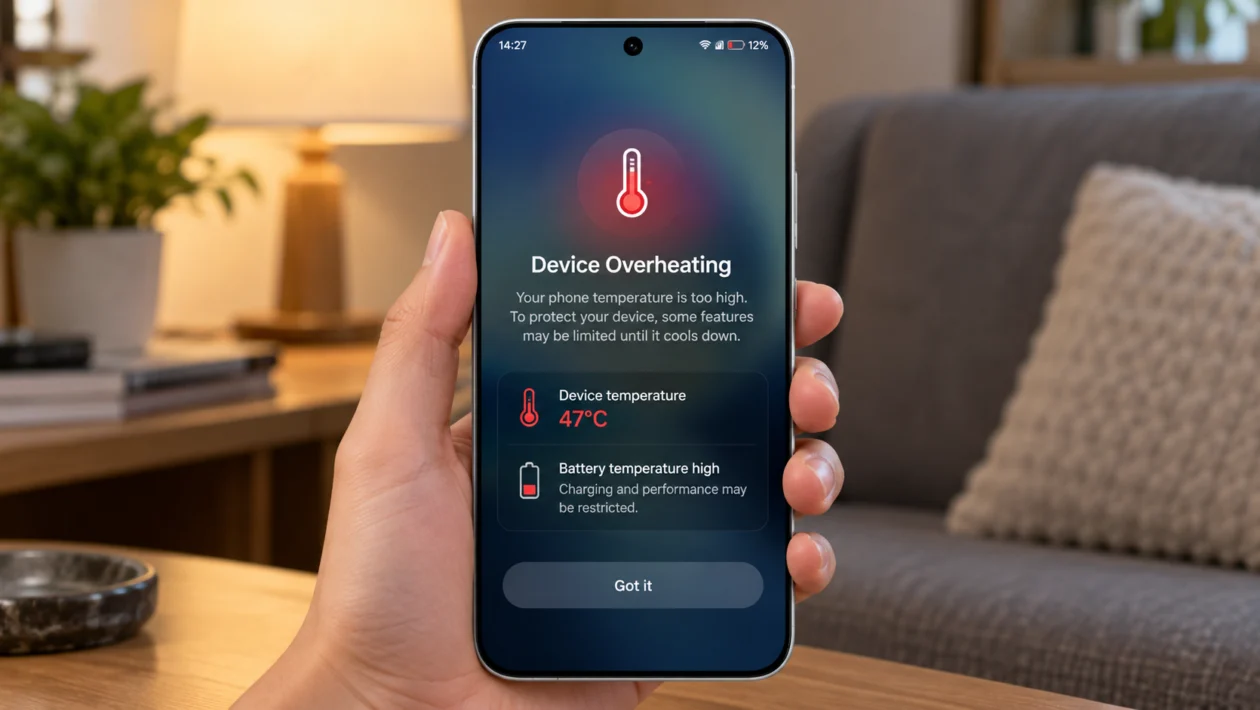
If your vivo X500 Pro feels hot during charging, gaming, camera use, video recording, or mobile data, the phone may be working harder than usual. Some warmth is normal, especially on a powerful phone, but constant overheating can affect comfort, battery life, charging speed, and performance.
The good news is that overheating does not always mean your phone is damaged. It can happen because of fast charging, heavy apps, weak signal, camera use, 5G, background activity, high brightness, or a software issue.
Start with the simple checks first. Let the phone cool down, close heavy apps, check battery and app usage, then adjust the settings that usually create heat.
Quick answer
If your vivo X500 Pro is overheating, remove the case, stop charging for a few minutes, close heavy apps, and let the phone cool down. Then check which apps are using the most battery or running in the background.
If the heat happens while gaming, recording video, using the camera, charging, or using 5G mobile data, reduce performance-heavy settings and avoid using the phone while it charges.
If the phone gets extremely hot, shuts down, shows a temperature warning, or stays hot even when idle, stop using it and contact vivo support.
vivo X500 Pro overheating diagnostic table
| Symptom | Likely cause | What to check first |
|---|---|---|
| Gets hot while charging | Fast charging, case, warm room, phone use during charging | Charger, cable, case, background apps |
| Gets hot while gaming | High graphics, high refresh rate, performance mode | Game settings and Ultra Game Mode |
| Gets hot when using camera | 4K video, long recording, camera processing | Video settings and recording duration |
| Gets hot on mobile data | Weak signal, 5G, hotspot, navigation | Signal strength and network mode |
| Gets hot after update | App optimization, background syncing, software bug | Restart, update apps, monitor usage |
| Gets hot while idle | Background app, syncing, location, malware-like app behavior | Battery usage and app permissions |
| Gets hot in sunlight | Direct heat plus screen brightness | Move to shade and lower brightness |
| Charging slows down | Temperature protection | Let the phone cool before charging again |
| Phone shuts down | Safety protection or possible hardware issue | Stop using it and contact support |
Why is my vivo X500 Pro overheating?
Your vivo X500 Pro may overheat when the processor, battery, display, camera, modem, or background apps use more power than normal. This can happen during gaming, charging, video recording, hotspot use, navigation, 5G, or long camera sessions.
Common causes include:
High screen brightness
Fast charging heat
Using the phone while charging
Heavy games or camera apps
4K video recording
Weak mobile signal
5G mobile data
Hot weather or direct sunlight
Background apps
Software bugs after an update
Faulty charger or cable
Battery or hardware problem
vivo’s own support guidance for heating issues points users to device checks, phone cooling tools, and background app cleanup inside vivo system tools.
1. Let the phone cool down first
Start here if the vivo X500 Pro already feels hot.
Stop gaming, recording, charging, or using mobile data for a few minutes. Remove the phone case and place the phone on a cool, dry surface. Do not put it in a freezer or refrigerator because sudden temperature changes can cause moisture problems.
Do this:
- Unplug the charger.
- Remove the case.
- Close the app you are using.
- Turn off the screen.
- Wait 10 to 15 minutes.
- Use the phone again when it feels normal.
This is the safest first step because heat can make every other fix harder to test.
2. Close heavy background apps
Apps running in the background can keep the processor active even when you are not using them. This is common with social media apps, games, video editors, camera apps, navigation apps, shopping apps, and apps that constantly use location.
Open the recent apps screen and close apps you are not using. Then check battery usage to see if one app is using more power than expected.
Go to:
Settings > Battery > Battery usage
Look for apps with unusually high usage. If one app stands out, update it, restrict its background activity, or uninstall it temporarily to test whether the overheating stops.
3. Use vivo’s phone cooling tool
vivo phones include system tools that can check heat, battery use, and background activity. On supported models and software versions, vivo’s support page points users to iManager tools for phone detection and phone cooling.
Try this path:
iManager > Utility tools > Phone cooling > One-tap cooling
You can also check:
iManager > Utility tools > Phone detection > Charging, power consumption and heating
The exact wording may vary depending on your software version, region, and whether your vivo X500 Pro uses Funtouch OS or OriginOS.
Use this when the phone feels hot but you are not sure which app or setting is causing it.
4. Stop using the phone while charging
Charging already creates heat. Using the phone while charging adds more heat from the screen, processor, network, and battery. This is one of the most common reasons a phone gets hot quickly.
Avoid doing these while charging:
Gaming
Video calls
4K video recording
Hotspot sharing
Navigation
Large downloads
Long camera sessions
Heavy social media scrolling
Use the original vivo charger and cable when possible. If the phone gets hot with one charger but not another, stop using the charger that causes heat.
Also remove thick cases while charging, especially in hot rooms.
5. Lower screen brightness and refresh rate
The display can add a lot of heat, especially when brightness is high. This is worse outdoors because the phone raises brightness to stay visible.
Go to:
Settings > Display and brightness
Try these changes:
Lower brightness manually
Turn on auto brightness
Use dark mode
Reduce screen timeout
Lower the refresh rate if available
If the phone only overheats outdoors, direct sunlight may be the real cause. Move to shade before blaming the battery or processor.
6. Reduce gaming performance settings
The vivo X500 Pro is built for high performance, but games can push the chipset, display, speakers, network, and battery at the same time. That can make the phone warm or hot.
Try these changes:
Lower graphics quality
Lower frame rate
Turn off high-performance mode if enabled
Close floating apps while gaming
Avoid charging while gaming
Play on Wi-Fi instead of mobile data
Take breaks during long sessions
If you use Ultra Game Mode, check whether any performance boost setting is enabled. Performance modes can improve frame rates, but they can also increase heat.
7. Reduce camera and video recording load
Camera use can heat a phone quickly, especially with high-resolution video, stabilization, HDR, portrait video, long zoom, and long recording sessions.
This matters more on camera-focused phones like the vivo X series. vivo’s official China product pages list the vivo X500 Pro as part of the X500 series, and the X series is positioned around advanced imaging features.
Try this:
Record shorter clips
Use 1080p instead of 4K when you do not need 4K
Avoid long recording in direct sunlight
Close other apps before recording
Turn off filters or effects if not needed
Let the phone cool between long camera sessions
If the phone only heats during video recording, this is usually workload heat, not a general battery problem.
8. Check 5G, weak signal, and hotspot use
Weak signal can make a phone heat up because it works harder to stay connected. This often happens inside buildings, elevators, basements, rural areas, or areas with unstable 5G coverage.
If overheating happens mostly on mobile data, test Wi-Fi for a while. If Wi-Fi stays cooler, the issue may be signal or network load.
Check:
Settings > Mobile network > SIM > Preferred network type
Try switching from 5G to 4G/LTE for a day and see if the heat improves.
Also turn off hotspot when you are done using it. Hotspot can heat the phone quickly because it uses mobile data and Wi-Fi sharing at the same time.
9. Update the phone and apps
Software bugs can cause overheating. A recent update can also trigger temporary background activity as the phone re-optimizes apps, syncs data, and rebuilds system processes.
Update the phone:
Settings > System update
Update apps:
Google Play Store > Profile icon > Manage apps and device > Update all
Also check vivo’s system apps or app store if your model includes a separate vivo app update section.
After a major software update, give the phone 24 to 48 hours of normal use unless the heat is extreme. If it still overheats after that, continue with the other fixes.
10. Reset settings or contact vivo support
If the vivo X500 Pro still overheats after all basic fixes, reset system settings before doing a full factory reset.
Try:
Settings > System management > Backup and reset > Reset all settings
This usually resets system preferences without deleting your personal files, but check the on-screen warning before confirming.
Contact vivo support if:
The phone gets hot while idle
The battery drains unusually fast
The phone shuts down by itself
You see a temperature warning often
The phone gets hot with no apps open
The phone heats up with the original charger
The back panel feels swollen
Charging stops repeatedly because of heat
Do not ignore swelling, burning smell, smoke, liquid damage, or extreme heat. Stop using the phone and take it to an authorized service center. vivo Philippines says customers can use authorized service centers for after-sales service in the Philippines.
What not to do when your vivo X500 Pro overheats
Do not put the phone in the freezer.
Do not charge under a pillow or blanket.
Do not keep gaming while the phone is hot.
Do not use a damaged cable.
Do not ignore battery swelling.
Do not install random cooling or battery saver apps from unknown sources.
Do not open the phone yourself unless you are trained to repair it.
FAQ
Is it normal for the vivo X500 Pro to get warm?
Yes, some warmth is normal when charging, gaming, recording video, using 5G, or running heavy apps. It becomes a problem when the phone feels too hot to hold, shuts down, charges very slowly because of heat, or stays hot even when idle.
Why does my vivo X500 Pro heat up while charging?
Charging creates battery heat. The phone can get hotter if you use it while charging, keep it in a thick case, charge in a hot room, or use a faulty charger or cable.
Why does my vivo X500 Pro overheat when gaming?
Games can use the processor, graphics chip, display, speakers, internet connection, and battery heavily at the same time. Lower graphics, reduce frame rate, avoid charging while gaming, and close background apps.
