
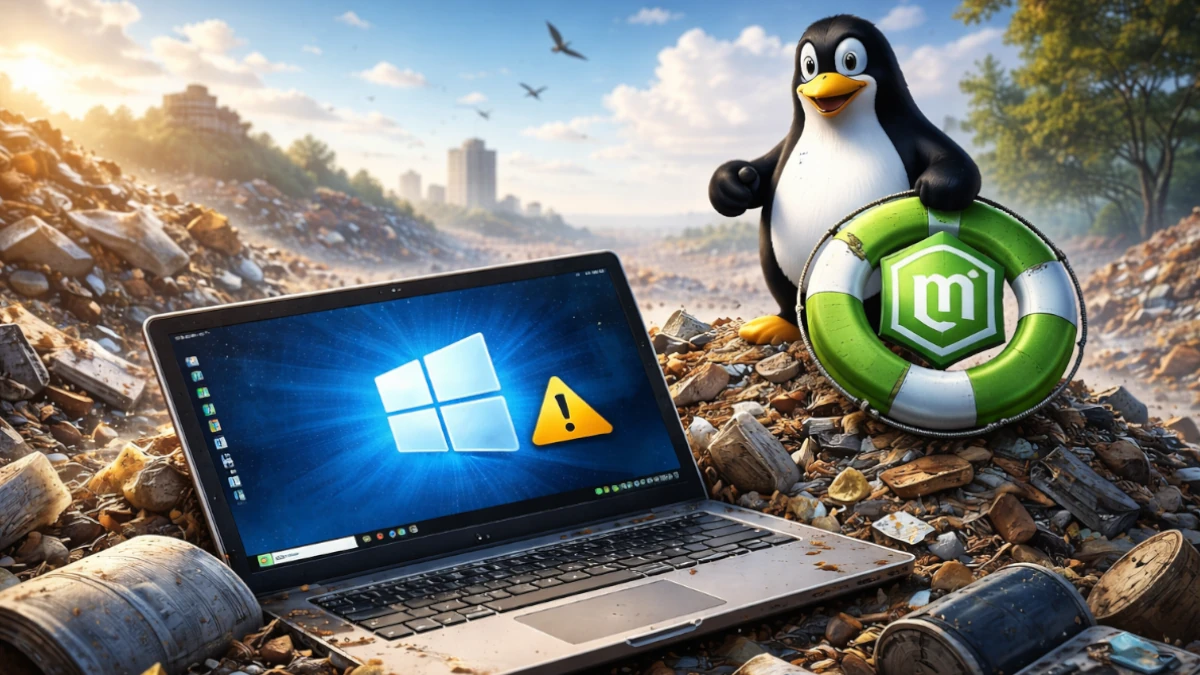
The countdown has officially begun. Microsoft has set a firm expiration date for Windows 10, marking the end of security patches, technical support, and critical updates. For millions of users worldwide, this presents a massive problem.
If your computer does not meet the strict hardware requirements for Windows 11, specifically the TPM 2.0 security chip or a modern processor, your perfectly functional PC is about to be labeled “obsolete.”
But “obsolete” does not mean “broken.” Here is how you can ignore the artificial expiration date and keep your computer running safely for years to come.
The Looming “PC Apocalypse”
When Windows 10 reaches its end of life, computers running the software will become prime targets for hackers. Without security updates, new vulnerabilities will go unpatched, making it risky to use your PC for banking, shopping, or even basic email.
Microsoft’s solution is simple: buy a new computer. However, this creates a staggering environmental issue.
Experts estimate that hundreds of millions of computers could be sent to landfills simply because they cannot run the latest version of Windows, despite having high quality screens, processors, and keyboards.
Why Your “Old” PC is Still Great
Most computers made between 2015 and 2020 are still incredibly powerful. They often feature quad core processors and plenty of RAM, which is more than enough for web browsing, office work, and video streaming.
The only thing holding them back is a software requirement that has nothing to do with daily performance.
Instead of contributing to the growing mountain of e-waste, you can swap the engine under the hood of your computer.
Linux Mint: The Ultimate Life Support for Your Hardware
If you want to keep your hardware but need a modern, secure, and fast operating system, Linux Mint is the best way to keep your PC running after Windows 10 support ends.
While Windows 11 requires a massive amount of background resources to run its AI features and tracking telemetry, Linux Mint is designed to be lean. It often uses less than half the system resources of Windows.
This means that a computer that feels sluggish on Windows 10 will often feel brand new once you switch to Linux Mint.
Why Mint is the Perfect Choice for Windows 10 Refugees:
- Safety and Security: Unlike an expired version of Windows, Linux Mint receives constant security updates. You can browse the web with peace of mind.
- Zero Cost: You do not have to pay for a new license or a subscription. Linux Mint is free to download and use forever.
- Familiar Interface: You do not need to learn a whole new way of computing. The layout of Linux Mint is remarkably similar to the classic Windows desktop.
- Extended Hardware Life: By switching, you can easily get another five to ten years of use out of a laptop that Microsoft has deemed “unsupported.”
Don’t Throw It Away, Upgrade It
The era of the “disposable computer” only exists if we allow software companies to dictate when our hardware is done. By choosing a lightweight and secure alternative like Linux Mint, you are not just saving money; you are making a sustainable choice for the planet.
If you are ready to stop the countdown and reclaim your PC, the process is easier than you think. You can test the system on your computer without even deleting Windows first.




