
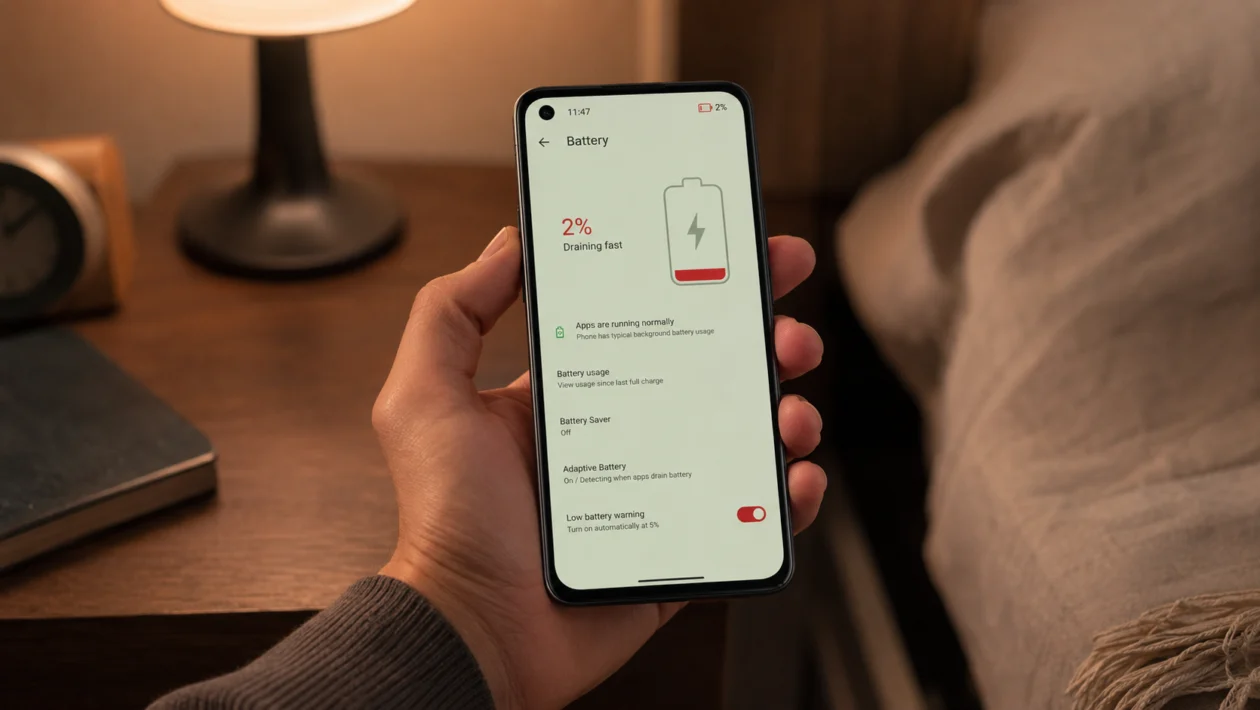
If your Asus Zenfone 10 is not charging, start with the basics before assuming the battery is damaged. The problem can come from the charger, USB-C cable, wall socket, charging port, wireless charger, software, battery temperature, or a deeper hardware issue.
The Zenfone 10 has a 4300mAh battery and supports up to 30W wired charging with PD 3.0 PPS, Direct Charge, and QC4.0. It also supports wireless charging. That means charging problems can happen through either the USB-C port or the wireless charging coil, depending on how you charge the phone.
Quick answer
To fix an Asus Zenfone 10 that is not charging, restart the phone first. Then use the original ASUS USB-C cable and 30W adapter, try another wall outlet, inspect the USB-C port for dirt or damage, and leave the phone charging for 15 to 30 minutes.
If wired charging does not work, test wireless charging. If wireless charging works but USB-C charging does not, the cable, adapter, or USB-C port is likely the problem. If neither wired nor wireless charging works, check for overheating, software issues, or battery hardware failure.
Asus Zenfone 10 not charging diagnostic table
| Symptom | Likely cause | Check first |
|---|---|---|
| No charging icon appears | Bad charger, cable, outlet, or USB-C port issue | Charger, cable, wall socket |
| Charging icon appears but battery does not increase | Weak power source or background battery drain | Original charger and restart |
| Charges only at certain angles | Loose cable or damaged USB-C port | USB-C cable and port |
| Charges slowly | Low-watt charger, laptop USB port, heat, or background apps | ASUS 30W adapter |
| Wireless charging does not work | Misalignment, case interference, weak wireless pad | Remove case and reposition phone |
| Phone gets warm and stops charging | Heat protection or heavy app usage | Let phone cool down |
| Won’t charge after update | Software bug or app conflict | Restart and update system |
| Won’t turn on or charge | Fully drained battery or hardware fault | Charge for 30 minutes |
| Cable works with other phones but not Zenfone 10 | Compatibility or port issue | Original ASUS accessories |
| Still not charging after all fixes | Battery, board, or charging circuit issue | ASUS service support |
Why your Asus Zenfone 10 is not charging
Your Asus Zenfone 10 may not be charging because the phone is not receiving stable power. This can happen when the charger is too weak, the USB-C cable is damaged, the wall socket is faulty, or the charging port has lint inside.
It can also happen because of heat. If the phone is too hot, charging may slow down or stop to protect the battery. Software bugs, frozen background processes, or a drained battery can also make it look like the phone is dead even when it only needs time on the charger.
Start with the 10 fixes below.
1. Restart your Asus Zenfone 10
A restart is the easiest first fix. It can clear temporary software glitches that stop the phone from detecting the charger properly.
- Disconnect the charger.
- Press and hold the Power button.
- Tap Restart if the screen is working.
- Wait for the phone to turn back on.
- Plug in the charger again.
If the screen is frozen or black, press and hold the Power button for around 15 seconds. Then connect the charger again and check if the charging icon appears.
This will not delete your personal files.
2. Use the original ASUS charger and USB-C cable
The Zenfone 10 supports up to 30W wired charging, but you need a compatible charger and cable for stable charging. A weak adapter, damaged cable, or low-quality USB-C accessory can cause slow charging, charging interruptions, or no charging at all.
Use the ASUS USB power adapter and USB-C to USB-C cable that came with the phone if you still have them.
Then test this:
- Remove the USB-C cable from the adapter.
- Reconnect it firmly.
- Plug the adapter into a wall socket.
- Connect the phone.
- Leave it charging for 15 to 30 minutes.
Avoid relying on a laptop USB port for this test. Laptop ports may not provide enough power, especially if the Zenfone 10 battery is very low.
3. Try a different wall outlet or power source
Sometimes the phone is fine and the power source is the problem. A faulty wall socket, loose extension cord, overloaded power strip, or weak USB port can stop charging.
Try this:
- Plug the charger into a different wall outlet.
- Avoid power strips for the test.
- Do not use a laptop USB port.
- Test with another trusted USB-C charger if available.
- Check if the battery percentage starts increasing.
If the phone charges from one outlet but not another, the issue is not the Zenfone 10. It is the socket, extension cord, or power source.
4. Check the USB-C cable for damage
A USB-C cable can look normal but still fail. Internal wires can break from bending, pulling, or repeated use. This can cause the Zenfone 10 to charge only sometimes, charge slowly, or not charge at all.
Check the cable for:
Dust inside the USB-C connector
Bent or loose connector ends
Frayed cable covering
Charging that stops when the cable moves
Charging only at a certain angle
Use another USB-C cable that supports proper power delivery. Do not use damaged cables, especially if the connector feels hot, loose, or unstable.
If another cable works, replace the old cable.
5. Inspect and clean the charging port
Pocket lint, dust, and debris can block the USB-C connector from sitting properly inside the charging port. This is common if the phone has been kept in pockets, bags, or dusty areas.
Before cleaning, turn off the phone.
Then do this:
- Use a flashlight to look inside the USB-C port.
- Check for lint, dirt, corrosion, or bent pins.
- Gently remove visible lint with a soft, dry brush.
- Do not use metal tools.
- Do not push hard inside the port.
- Plug the cable back in and check if it fits firmly.
If the cable feels loose even after cleaning, the USB-C port may be worn or damaged.
6. Let the phone cool down before charging again
If your Asus Zenfone 10 is warm or hot, charging may slow down or stop. Phones can limit charging to protect the battery when the device is too hot.
This can happen after:
Gaming
Using the camera for a long time
Charging in direct sunlight
Using hotspot
Running navigation apps
Using the phone while charging
Charging under a pillow or blanket
Fix it this way:
- Unplug the charger.
- Remove the phone case.
- Place the phone in a cool, dry area.
- Wait 10 to 20 minutes.
- Plug it back into the charger.
Do not place the phone in a freezer or refrigerator. Sudden temperature changes can cause moisture problems.
7. Test wireless charging
The Asus Zenfone 10 supports wireless charging, so this is a useful way to isolate the problem.
If USB-C charging does not work, place the phone on a compatible wireless charger and check if charging starts.
Before testing:
- Remove thick cases, metal rings, magnetic mounts, and card holders.
- Place the phone in the center of the wireless charging pad.
- Make sure the wireless charger is plugged into a working adapter.
- Wait a few seconds for the charging icon.
If wireless charging works but wired charging does not, the likely issue is the USB-C cable, adapter, or charging port.
If wired charging works but wireless charging does not, the issue may be the wireless charger, alignment, phone case, or wireless charging hardware.
8. Charge the phone while it is turned off
If the battery percentage drops even while plugged in, the phone may be using more power than the charger is providing. This can happen with a weak charger, heavy apps, heat, or a low-power USB port.
Try charging while the phone is off.
- Turn off the Zenfone 10.
- Connect it to the original charger.
- Leave it plugged in for 20 to 30 minutes.
- Turn it back on.
- Check if the battery percentage increased.
If it charges while powered off but not while powered on, an app or system process may be draining power in the background.
In that case, check battery usage after the phone turns on.
Go to:
Settings > Battery > Battery usage
Look for apps using unusual battery power. Update, force stop, or uninstall suspicious apps.
9. Update the system software
Software bugs can affect charging detection, battery reporting, and power management. ASUS recommends keeping the system firmware updated when troubleshooting charging problems.
To check for updates:
- Open Settings.
- Tap System.
- Tap System update.
- Tap Check for update.
- Install any available update.
After updating, restart the phone and test charging again.
If the charging problem started after a system update, give the phone some time to settle. Apps and system services may re-optimize after updates. If the problem continues for more than a day or two, continue with the next fix.
10. Contact ASUS support or visit a service center
If your Asus Zenfone 10 still does not charge after trying the fixes above, the problem may be hardware-related.
Possible hardware causes include:
Damaged USB-C port
Battery failure
Charging IC failure
Motherboard issue
Water or moisture damage
Wireless charging coil issue
Internal connector damage
Contact ASUS support if:
The phone does not charge with multiple chargers
The USB-C port is loose or damaged
The phone gets unusually hot while charging
The phone shuts down even with battery left
Wired and wireless charging both fail
The phone does not turn on after 30 minutes of charging
Do not open the phone unless you are trained to repair smartphones. The Zenfone 10 battery is not designed for normal user replacement, and opening the device can affect water resistance and warranty coverage.
Frequently asked questions
Why is my Asus Zenfone 10 plugged in but not charging?
Your Zenfone 10 may be plugged in but not charging because the charger is too weak, the USB-C cable is damaged, the wall outlet is faulty, or the charging port has dirt inside. It can also happen if the phone is too hot or if a software process is stuck.
Why does my Zenfone 10 charge slowly?
The Zenfone 10 may charge slowly if you are using a low-watt charger, a laptop USB port, a damaged cable, or a charger that does not support the right charging standard. Heat and background apps can also slow charging.
Does the Asus Zenfone 10 support wireless charging?
Yes. The Asus Zenfone 10 supports wireless charging. If wired charging fails, wireless charging can help you check whether the USB-C port is the problem.
