
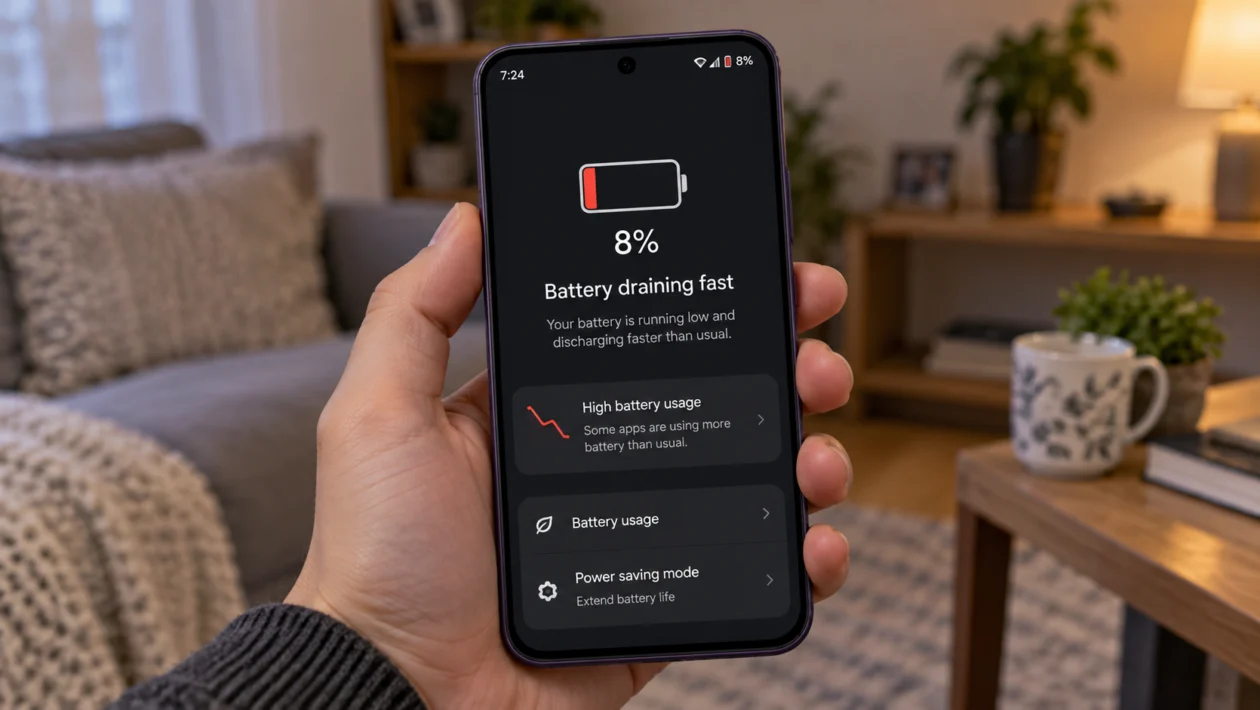
If your Oppo Reno16c battery is draining fast, start by checking which apps are using power in the background. A large battery does not always mean long battery life if the screen is too bright, 5G signal is weak, apps are syncing too often, or ColorOS is still adjusting after an update.
The Oppo Reno16c 5G is listed with a 7000mAh battery in OPPO India’s product details, so fast battery drain usually points to settings, apps, network conditions, or software behavior rather than battery size alone.
Start with the simple checks first. Look at battery usage, restart the phone, update your apps, then adjust the settings most likely to use power.
Quick answer
If your Oppo Reno16c battery is draining fast, go to Settings > Battery > Battery usage and check which apps are using the most power. If one app stands out, update it, restrict its background activity, or uninstall it temporarily.
Then check the usual causes: screen brightness, Always-On Display, 5G signal, location access, background apps, hotspot, Bluetooth, software updates, and Power saving mode.
If the drain started after a ColorOS update, restart the phone, update your apps, and use the phone normally for 24 to 48 hours before doing bigger fixes.
Oppo Reno16c battery drain diagnostic table
| Symptom | Likely cause | What to check first |
|---|---|---|
| Battery drains overnight | Background apps, syncing, location, notifications | Settings > Battery > Battery usage |
| Battery drops faster on mobile data | Weak signal or 5G usage | Network mode and signal strength |
| Battery drains after update | Apps or system re-optimising | Restart, update apps, monitor for 24 to 48 hours |
| Battery drops while screen is on | Brightness, refresh rate, screen timeout | Display settings |
| Phone gets warm and drains fast | Heavy app, hotspot, gaming, weak signal | Battery usage and hotspot |
| Battery drains when not used | Always-On Display, apps waking the phone | Lock screen and app permissions |
| Battery drops suddenly | Battery calibration, app bug, or hardware issue | Restart and check support options |
| Phone shuts down before 0% | Possible battery or hardware issue | OPPO service support |
Why is my Oppo Reno16c battery draining so fast?
Your Oppo Reno16c battery may be draining quickly because something is using more power than normal.
Common causes include:
Apps running in the background
High screen brightness
Long screen timeout
Always-On Display
Weak mobile signal
5G usage
Location access running too often
Bluetooth, hotspot, or syncing left on
Recent app or system updates
High Performance Mode
Battery wear or hardware issues
OPPO’s own battery guidance includes options such as battery optimisation, Power saving, and Super Power Saving for reducing battery drain. Android battery guidance also recommends checking battery usage, reducing screen activity, and limiting apps that use too much power.
Use the fixes below in order.
1. Check battery usage first
Start here because it shows what is actually using the battery.
- Open Settings.
- Tap Battery.
- Tap Battery usage or Battery usage details.
- Look for apps using more power than expected.
- Tap the app and check its background activity options.
Some apps naturally use more battery. Games, video apps, navigation apps, camera apps, shopping apps, social media apps, and messaging apps can all use more power.
Look for:
An app you barely used but appears high on the list
An app running in the background for hours
A recently installed app
A social media app using location often
A game or video app using more power than expected
If one app stands out, update it first. If that does not help, restrict its background activity or uninstall it for a day and check whether the battery improves.
2. Restart your Oppo Reno16c
A restart is worth trying before changing deeper settings.
It can stop temporary app problems, close background processes, and clear small system issues that may be draining power.
- Press and hold the Power button.
- Tap Restart.
- Wait for the phone to turn back on.
- Use the phone normally for a few hours.
- Check if the battery drain improves.
This will not delete your personal files.
3. Update your apps and ColorOS software
Updates can fix bugs that cause battery drain. They can also improve app behavior, background activity, and system stability.
To update your phone:
- Open Settings.
- Tap About device or System update.
- Tap Check for updates.
- Install any available update.
To update apps:
- Open the Google Play Store.
- Tap your profile icon.
- Tap Manage apps and device.
- Tap Update all, or update the apps you use most.
Also check OPPO system apps if updates are available through the device’s built-in app store or system update area.
If battery drain started right after an update, do not panic immediately. The phone may be refreshing apps, rebuilding background data, and adjusting system behavior. Give it 24 to 48 hours of normal use before judging the battery again.
4. Lower screen brightness and shorten screen timeout
The screen is one of the biggest battery users on any phone. If your Oppo Reno16c drains quickly while the screen is on, start with display settings.
To lower brightness:
- Open Settings.
- Tap Display & brightness.
- Lower the brightness slider.
- Turn on Auto brightness if you want the phone to adjust brightness automatically.
To reduce screen timeout:
- Open Settings.
- Tap Display & brightness.
- Tap Auto screen off or Screen timeout.
- Choose a shorter time, such as 30 seconds or 1 minute.
A shorter timeout helps if you often put the phone down while the screen is still active.
5. Turn off Always-On Display
Always-On Display is useful, but it uses power because part of the screen stays active even when the phone is locked.
To turn it off:
- Open Settings.
- Tap Wallpapers & style, Home screen & Lock screen, or Display & brightness.
- Find Always-On Display.
- Turn it off, or set it to show only when tapped.
The exact path can vary depending on the ColorOS version.
This is worth trying if your battery drops while the phone is sitting unused.
6. Check 5G and weak mobile signal
Weak signal can drain battery quickly. When your Oppo Reno16c struggles to stay connected, it may use more power searching for a better network.
This often happens:
Inside buildings
In basements or lifts
In rural areas
While travelling
In areas with unstable 5G coverage
When switching between 4G and 5G often
If battery drain is worse on mobile data than Wi-Fi, test this:
- Open Settings.
- Tap Mobile network.
- Select your SIM.
- Tap Preferred network type.
- Choose 4G/LTE if you do not need 5G all the time.
Use the phone for a day and compare battery life. If it improves, weak 5G coverage may be part of the problem.
7. Limit background activity for power-hungry apps
Some apps keep running even after you close them. They may sync messages, track location, refresh feeds, upload files, or send notifications.
To limit background activity:
- Open Settings.
- Tap Battery.
- Tap Battery usage.
- Select the app using too much power.
- Restrict background activity if the option is available.
You can also check app permissions:
- Open Settings.
- Tap Apps.
- Tap App management.
- Choose the app.
- Check Permissions, especially Location.
- Change location access to Allow only while using the app when possible.
Do this for apps that do not need constant background access.
Good apps to check include social media apps, maps, food delivery apps, ride-hailing apps, shopping apps, weather apps, and fitness apps.
8. Turn off hotspot, Bluetooth, and location when not needed
Hotspot can drain the battery very quickly, especially if another device is connected for a long time.
Bluetooth and location can also add battery use when apps keep requesting them in the background.
Check these settings:
- Swipe down from the top of the screen.
- Turn off Personal Hotspot if you are not using it.
- Turn off Bluetooth if no device is connected.
- Turn off Location if you do not need maps, delivery tracking, weather, or ride-hailing apps.
You do not need to keep these off forever. The goal is to test whether one of them is causing the fast drain.
If your battery improves after turning them off, turn them back on one by one to find the cause.
9. Use Power saving mode
Power saving mode is useful when you need the phone to last longer. It can reduce background activity, limit some visual effects, and lower power use.
To enable it:
- Open Settings.
- Tap Battery.
- Turn on Power saving mode.
If the battery is very low, use Super Power Saving Mode if available.
This is not a permanent fix if your phone is draining abnormally, but it helps when you need more battery life during travel, school, work, or emergencies.
10. Reset settings or contact OPPO support
If the battery still drains fast after trying the fixes above, reset system settings before assuming the battery is faulty.
A settings reset can fix misconfigured network, app, and system settings without deleting your photos, videos, or personal files. The exact wording may vary by ColorOS version, so read the confirmation screen carefully before continuing.
To reset settings:
- Open Settings.
- Tap Additional settings or System settings.
- Tap Back up and reset.
- Choose the option to reset system settings only.
- Avoid factory reset unless you have backed up your data.
Contact OPPO support if:
The phone gets hot even when idle
Battery drops suddenly by large percentages
The phone shuts down before reaching 0%
The battery drain started after liquid damage or impact
Charging is slow, unstable, or stops randomly
Battery drain continues after resetting settings
If your Oppo Reno16c is still under warranty, official support is safer than using third-party battery repairs.
Should you factory reset the Oppo Reno16c?
Only use factory reset as a last resort.
A factory reset deletes your apps, accounts, photos, videos, downloads, and local files unless they are backed up. Try the 10 fixes above first.
Use factory reset only if:
The battery drain started after a major software issue
Multiple apps are crashing
The phone is overheating without a clear reason
A settings reset did not help
OPPO support recommends it
Before resetting, back up your files, contacts, photos, and messages.
FAQ
Why is my Oppo Reno16c battery draining overnight?
Overnight battery drain usually comes from background apps, syncing, location access, notifications, or poor signal. Go to Settings > Battery > Battery usage and check which apps were active while you were not using the phone.
Does 5G drain the Oppo Reno16c battery faster?
5G can use more battery in weak or unstable coverage areas. If your battery drains faster on mobile data than Wi-Fi, try using 4G/LTE for a day and compare the result.
Why did my Oppo Reno16c battery drain after an update?
After an update, the phone may re-optimise apps and background services. Restart the phone, update your apps, and monitor battery life for 24 to 48 hours.
