
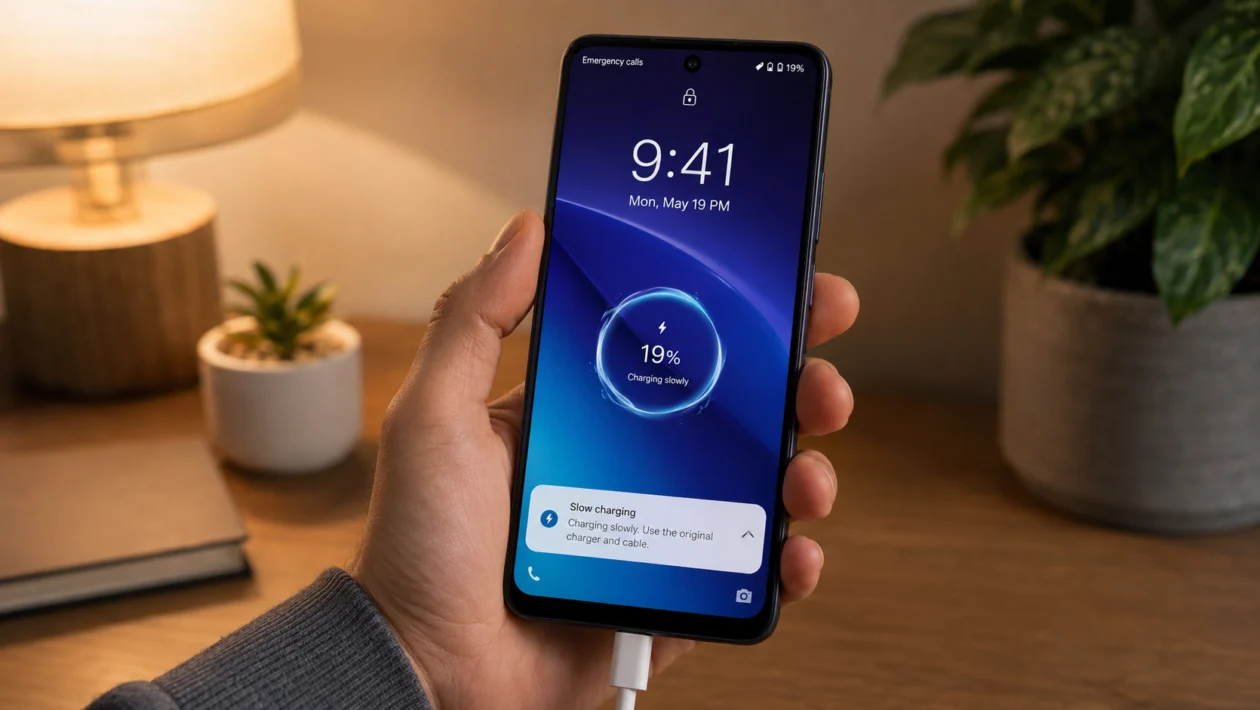
If your vivo Y60 gets hot while charging, do not ignore it. A little warmth can be normal, especially when the phone is charging, syncing apps, or downloading updates. But if the phone feels too hot to hold, charges slowly, shows a temperature warning, or keeps heating up every time you plug it in, something needs to be checked.
Charging heat can come from the charger, cable, phone case, background apps, mobile data, gaming, direct sunlight, or a battery problem. vivo also advises users to avoid heavy use, close unused apps, keep the phone away from heat, and avoid charging in hot places.
Start with the simple fixes first. Most charging heat problems can be reduced by changing how and where you charge the phone.
Quick answer
If your vivo Y60 overheats while charging, unplug it first and let it cool down. Remove the case, stop using the phone, close heavy apps, and charge it on a cool, flat surface.
Then check the charger, cable, charging port, background apps, software updates, and battery settings. If the phone still gets very hot with a proper charger and light use, stop charging it and contact vivo support or an authorized service center.
vivo Y60 overheating when charging diagnostic table
| Symptom | Likely cause | What to check first |
|---|---|---|
| Phone gets hot only while charging | Charger, cable, case, or charging surface | Charger, cable, and case |
| Phone gets hot while gaming and charging | Heavy processor use while charging | Stop using the phone while charging |
| Phone heats up on mobile data | Weak signal or 5G activity | Switch to Wi-Fi while charging |
| Phone gets hot after an update | Apps re-optimizing in the background | Restart and update apps |
| Charging becomes slow when hot | Temperature protection | Let the phone cool before charging again |
| Phone shows temperature warning | Device is too hot | Unplug and cool it down |
| Phone gets hot even when idle | Background app, faulty charger, or battery issue | Battery usage and service check |
| Phone smells, swells, or shuts down | Possible battery or hardware issue | Stop using it and get support |
Why does my vivo Y60 overheat when charging?
Your vivo Y60 may overheat while charging because charging already creates heat, and that heat increases when the phone is also being used heavily.
Common causes include:
- Using the phone while charging
- Playing games while plugged in
- Watching videos during charging
- Charging under a pillow, blanket, or thick case
- Using a damaged or low-quality charger
- Charging in direct sunlight
- Weak mobile signal
- Too many background apps
- A recent software update
- Dirt or moisture in the charging port
- Battery wear or hardware damage
The goal is not just to make the phone feel cooler. Heat can also affect charging speed, battery health, and long-term performance.
1. Unplug the phone and let it cool down first
Start here if the vivo Y60 already feels too hot.
- Unplug the charger.
- Turn off the screen.
- Remove the phone case.
- Place the phone on a cool, dry, flat surface.
- Wait until it feels normal before charging again.
Do not put the phone in a refrigerator or freezer. Sudden temperature changes can cause moisture inside the phone, which may create a bigger problem.
This step matters because phones can slow charging, limit performance, or stop charging when the internal temperature gets too high. If the phone is already hot, forcing it to keep charging will only make the problem worse.
2. Remove the case while charging
A thick phone case can trap heat around the back of the vivo Y60. This is more noticeable if you use a rugged case, leather-style case, magnetic case, or a case with poor ventilation.
Try this:
- Remove the case.
- Plug in the charger again.
- Leave the phone unused for 15 to 20 minutes.
- Check whether it still gets hot.
If the phone stays cooler without the case, the case is part of the problem. You do not have to stop using a case completely, but removing it during charging can help, especially in warm rooms.
This is one of the easiest fixes, and it costs nothing.
3. Stop using the vivo Y60 while it is charging
Using the phone while charging is one of the most common reasons it heats up.
Avoid these while charging:
- Gaming
- Video calls
- Camera recording
- Watching videos
- Hotspot sharing
- Navigation
- Downloading large files
- Editing videos
- Using the phone under mobile data in a weak signal area
The phone is already generating heat from charging. When you add gaming, video, camera use, or mobile data, the processor, screen, battery, and modem are all working at the same time.
If you need to use the phone, keep it light. Replying to a message is usually fine. Playing a heavy game while charging is not.
4. Use the correct charger and cable
A faulty charger or cable can make the vivo Y60 heat up while charging. This is especially likely if the phone gets hot only with one specific charger.
Check these:
- Use the charger and cable that came with the phone, if available.
- Avoid damaged cables.
- Avoid loose charging plugs.
- Avoid cheap chargers with no safety certification.
- Try another trusted charger and cable.
- Check whether the phone heats up less.
Also check the charging brick. If the charger itself becomes very hot, unplug it and stop using it.
Do not keep testing random chargers just to see what happens. Use a charger from vivo or a reputable brand that matches the phone’s supported charging requirements.
5. Charge on a cool, hard surface
Where you charge the phone matters.
Do not charge the vivo Y60 on:
- A bed
- A pillow
- A blanket
- A sofa
- Direct sunlight
- A car dashboard
- A warm laptop
- A stack of clothes
These surfaces trap heat. Some also block airflow around the phone.
Instead, charge it on:
- A desk
- A table
- A bedside shelf
- A cool tile surface
- A flat surface away from sunlight
This simple change can reduce charging temperature quickly, especially if you usually charge your phone overnight on soft bedding.
6. Close background apps before charging
Apps running in the background can keep the processor, network, GPS, and storage active while the phone charges.
Before charging:
- Open the recent apps screen.
- Close apps you are not using.
- Open Settings.
- Go to Battery.
- Check battery usage.
- Look for apps using more power than expected.
Pay attention to apps such as social media, maps, shopping apps, camera apps, games, VPN apps, and file backup apps. These can continue working even when you are not actively using them.
If one app keeps appearing high in battery usage, update it. If it still causes heat, restrict its background activity or uninstall it temporarily.
7. Turn off hotspot, Bluetooth, GPS, and mobile data while charging
Your vivo Y60 may get hotter if several radios are active while charging.
Turn off anything you do not need:
- Mobile hotspot
- Bluetooth
- GPS or location
- NFC, if available
- Mobile data
- Wi-Fi scanning
- Background syncing
The biggest one is hotspot. Using the phone as a hotspot while charging can make it heat up quickly because it is charging, using mobile data, broadcasting Wi-Fi, and managing connected devices at the same time.
If possible, charge on Wi-Fi instead of mobile data. Weak mobile signal can make the phone work harder to stay connected, which can add more heat.
8. Restart the phone and update the software
If overheating started suddenly, a temporary software issue may be involved. A restart can clear stuck processes and background activity.
To restart the vivo Y60:
- Press and hold the power button.
- Tap Restart.
- Wait for the phone to turn back on.
- Charge again without using the phone.
- Check if the heat improves.
Then check for updates:
- Open Settings.
- Tap System update.
- Install any available update.
- Open the Play Store.
- Update your apps.
If the phone started heating after a system update, give it a day or two of normal use. After updates, apps may refresh, rebuild files, or sync in the background. That can temporarily increase heat and battery use.
But if the phone stays hot every time it charges after several days, continue with the next fixes.
9. Check the charging port for dirt, moisture, or damage
A dirty or damaged charging port can cause poor contact, unstable charging, and extra heat.
Check the port carefully:
- Unplug the charger.
- Turn off the phone.
- Use a flashlight to inspect the port.
- Look for dust, lint, moisture, corrosion, or bent pins.
- Do not insert metal tools into the port.
- Do not charge if the port looks wet.
If you see dust or lint, use a soft brush or gentle air blower. Do not use needles, pins, or metal objects.
If the charging cable feels loose, keeps disconnecting, or only works at a certain angle, the port may need service. A loose port can create charging instability and heat.
10. Use safe charging habits and contact vivo support if it keeps overheating
If the vivo Y60 still overheats after trying the fixes above, treat it as a possible battery, charging circuit, or hardware issue.
Stop charging and get help if:
- The phone becomes too hot to hold
- The back cover looks swollen
- The battery drains unusually fast
- The phone shuts down while charging
- Charging stops repeatedly
- You smell burning or chemicals
- The charging port looks damaged
- The phone heats up even when powered off
- The same problem happens with different chargers
Do not keep forcing the phone to charge if these symptoms appear. Battery-related problems should be checked by vivo support or an authorized repair center.
If the phone is still under warranty, avoid opening it yourself. Unauthorized repair can affect warranty coverage.
What not to do when your vivo Y60 overheats while charging
Avoid these common mistakes:
- Do not charge under a pillow or blanket.
- Do not play games while charging.
- Do not use a damaged charger.
- Do not ignore a swollen battery.
- Do not cool the phone in a freezer.
- Do not charge if the port is wet.
- Do not use metal tools to clean the port.
- Do not leave it charging in direct sunlight.
- Do not keep using it if there is a burning smell.
A warm phone is not always dangerous. A phone that keeps getting very hot is different.
FAQ
Is it normal for the vivo Y60 to get warm while charging?
Yes, mild warmth can be normal while charging. It becomes a problem if the phone feels too hot to hold, charges slowly because of heat, shows a temperature warning, shuts down, or overheats every time you plug it in.
Why does my vivo Y60 heat up when charging and using mobile data?
Mobile data can add heat, especially in weak signal areas. The phone may use more power to stay connected. If you charge at the same time, the heat from charging and signal searching can build up.
Can I use my vivo Y60 while charging?
Light use is usually fine, but heavy use can cause overheating. Avoid gaming, hotspot, video calls, camera recording, and long video streaming while charging.
