
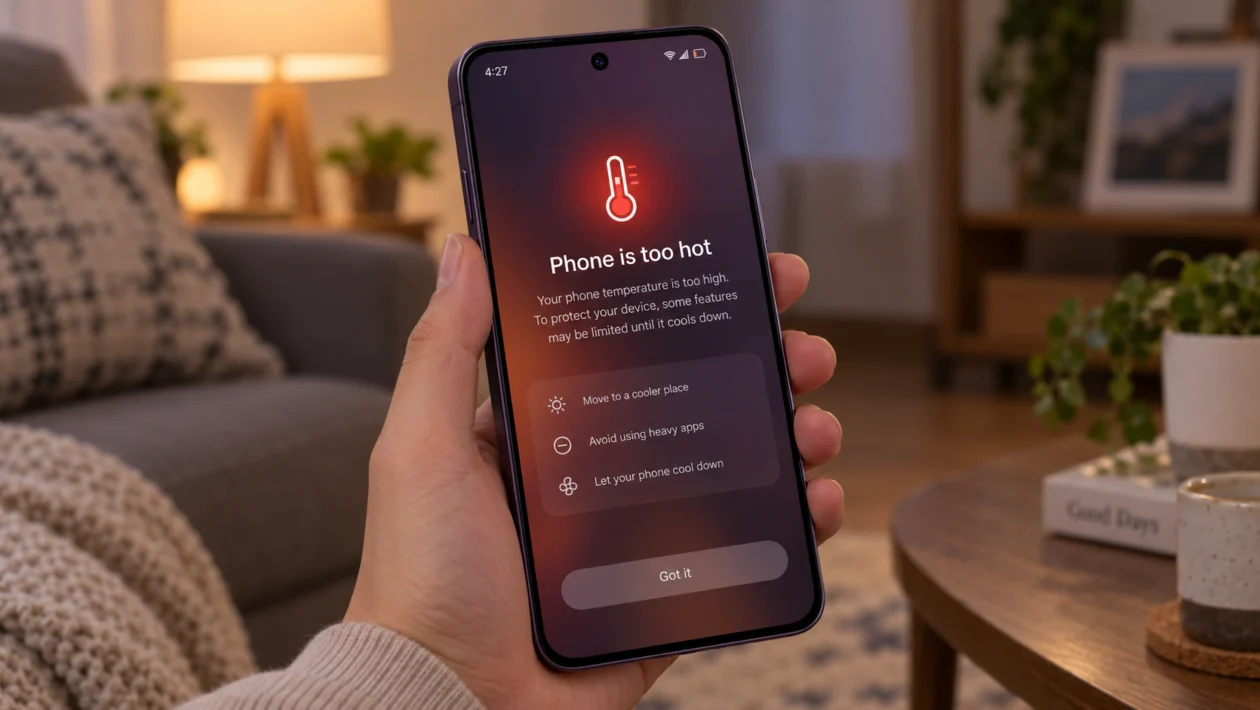
If your Oppo Reno16c feels too hot during charging, gaming, video recording, mobile data use, or normal scrolling, do not ignore it. A little warmth is normal, especially with fast charging or heavy apps. But if the phone gets uncomfortable to hold, slows down, stops charging, or shows a temperature warning, something needs attention.
The Oppo Reno16c has a large battery and supports fast charging, so heat can happen when power, screen brightness, apps, network signal, and charging all stack together. Overheating does not always mean the phone is defective. It can come from background apps, poor signal, gaming, a thick case, direct sunlight, high performance settings, or a software update.
Start with the simple checks first. Let the phone cool down, remove the case, check battery usage, then adjust the settings most likely to create heat.
Quick answer
If your Oppo Reno16c is overheating, stop charging or using it for a few minutes, remove the case, and move it away from sunlight or a hot surface. Then go to Settings > Battery and check which apps are using the most power.
If one app is using too much battery in the background, update it, force stop it, or restrict its background activity. Also check screen brightness, 5G signal, hotspot, gaming mode, camera use, and High Performance Mode.
If the phone overheats even when idle, shuts down, smells unusual, swells, or stays hot after basic fixes, stop using it and contact OPPO Support.
Oppo Reno16c overheating diagnostic table
| Symptom | Likely cause | What to check first |
|---|---|---|
| Gets hot while charging | Fast charging, thick case, hot room, non-original charger | Charger, cable, case, charging surface |
| Gets hot while gaming | Heavy CPU/GPU use, high brightness, game boost settings | Game settings, refresh rate, brightness |
| Gets hot on mobile data | Weak signal, 5G switching, background sync | Network mode and signal strength |
| Gets hot after update | Apps re-optimising, system indexing, app bugs | Restart, update apps, wait 24 to 48 hours |
| Gets hot while using camera | 4K video, long recording, sunlight | Camera settings and recording time |
| Gets hot while idle | Background app, syncing, location, malware-like app behavior | Battery usage and app permissions |
| Gets hot with hotspot on | Tethering load and mobile data use | Hotspot, connected devices, signal |
| Gets hot and drains fast | Battery-heavy app or network issue | Settings > Battery |
| Charging pauses or slows | Temperature protection | Let the phone cool before charging again |
| Phone stays hot all the time | Possible software or hardware issue | OPPO Support or service center |
Why is my Oppo Reno16c overheating?
Your Oppo Reno16c may overheat because the phone is using more power than it can comfortably manage at that moment.
Common causes include:
High screen brightness
Long gaming sessions
Fast charging while using the phone
Poor mobile signal
5G switching
Hotspot use
Camera recording
Apps running in the background
GPS and location access
A recent ColorOS update
A thick phone case trapping heat
Direct sunlight or a hot room
Non-original charger or damaged cable
Possible battery or hardware issue
The fix depends on when the heat happens. Use the steps below in order.
1. Stop using the phone and let it cool down
Start here if the Oppo Reno16c is already hot.
- Stop gaming, recording, charging, or using mobile data.
- Remove the phone case.
- Put the phone on a cool, dry surface.
- Keep it away from sunlight, pillows, blankets, car dashboards, and hot chargers.
- Wait until the phone feels normal again before using it.
Do not put the phone in a refrigerator or freezer. Sudden temperature changes can create condensation inside the phone.
This step matters because using a phone while it is already hot can make the problem worse. Charging, gaming, video recording, and hotspot use can all add more heat.
2. Remove the case while charging or gaming
A thick case can trap heat around the phone. This is easy to miss because the phone may feel warm only after 20 to 30 minutes of charging, gaming, or streaming.
Try this:
- Remove the case.
- Charge the phone on a flat table.
- Avoid charging it under a pillow, blanket, or bag.
- Do not use the phone heavily while charging.
- Check if the temperature improves.
This is especially worth doing if you use a rugged case, leather case, magnetic case, or case with a metal ring.
If the phone only overheats with the case on, the case may be blocking heat from escaping.
3. Use the original OPPO charger and cable
Fast charging can create heat, but the charger and cable still matter. A poor-quality charger, damaged cable, or loose connector can make charging less stable.
Check these:
- Use the original OPPO charger and cable when possible.
- Check if the cable is bent, loose, burnt, or damaged.
- Clean the charging port gently if dust is visible.
- Plug the charger directly into a wall outlet.
- Avoid charging from cheap extensions, unstable power banks, or unknown adapters.
A little warmth during charging can be normal. What is not normal is extreme heat, a burning smell, repeated charging interruptions, or the phone becoming too hot to hold.
If that happens, unplug the charger immediately.
4. Check battery usage for overheating apps
Apps are one of the most common reasons a phone gets hot. A buggy app can run in the background even when you are not using it.
Check battery usage:
- Open Settings.
- Tap Battery.
- Check Battery usage or app battery usage.
- Look for apps using more power than expected.
- Tap the app and restrict background activity if available.
Look closely at:
Games
Video apps
Navigation apps
Social media apps
Camera apps
Shopping apps
Messaging apps
VPN apps
Cloud backup apps
If one app appears high on the list even though you barely used it, update it first. If that does not help, force stop it or uninstall it for a day.
5. Close background apps and restart the phone
If your Oppo Reno16c started heating suddenly, a stuck app or background process may be the cause.
Try a clean restart:
- Close apps from the recent apps screen.
- Press and hold the Power button.
- Tap Restart.
- Wait for the phone to turn back on.
- Use it normally and check if the heat returns.
A restart can clear temporary software problems without deleting your photos, apps, or files.
This is one of the best first fixes after an update, app crash, or sudden battery drain.
6. Turn off High Performance Mode
High Performance Mode can make the phone feel faster, but it can also increase battery use and temperature. If your Oppo Reno16c gets hot during gaming, multitasking, or long app sessions, check this setting.
Try this:
- Open Settings.
- Tap Battery.
- Look for High Performance Mode.
- Turn it off if it is enabled.
- Restart the phone and test again.
You may notice slightly less aggressive performance in heavy apps, but the phone should run cooler.
This is a good trade-off if you care more about battery life and comfort than maximum speed.
7. Lower brightness, refresh rate, and screen timeout
The display can add a lot of heat, especially when brightness is high outdoors. If your Oppo Reno16c heats up while scrolling, watching videos, using maps, or gaming, reduce display load.
Change these settings:
- Open Settings.
- Tap Display & brightness.
- Lower the brightness slider.
- Turn on Auto brightness if you prefer automatic adjustment.
- Set screen timeout to 30 seconds or 1 minute.
- Reduce refresh rate if your model offers that option.
Also avoid using maximum brightness for long periods under direct sunlight. The phone may push the display harder outdoors, which can increase heat.
8. Switch from 5G to 4G when signal is weak
Weak signal can make a phone work harder. If your Oppo Reno16c heats up more on mobile data than on Wi-Fi, the network may be the reason.
This often happens:
Inside buildings
In basements
In elevators
While travelling
In rural areas
In places with weak 5G coverage
When the phone keeps switching between 4G and 5G
Try this:
- Open Settings.
- Tap Mobile network.
- Choose your SIM.
- Tap Preferred network type.
- Switch to 4G/LTE temporarily.
- Test the phone for a few hours.
If the overheating improves on 4G, weak or unstable 5G coverage may be part of the problem.
You can switch 5G back on when you are in a stronger coverage area.
9. Turn off hotspot, GPS, Bluetooth, and syncing when not needed
Hotspot, GPS, Bluetooth, and cloud syncing can heat the phone because they keep radios and background services active.
Check these settings:
- Swipe down from the top of the screen.
- Turn off Hotspot if you are not sharing data.
- Turn off Bluetooth if no device is connected.
- Turn off Location when you do not need maps, delivery apps, or ride-hailing apps.
- Pause large cloud backups or file uploads.
Hotspot is one of the biggest heat triggers because the phone uses mobile data and Wi-Fi sharing at the same time. If you use hotspot for work, keep the phone on a table, remove the case, and avoid charging while tethering.
10. Update ColorOS and your apps
Software bugs can cause overheating. App updates and system patches can fix battery drain, background activity, charging behavior, and performance issues.
Update ColorOS:
- Open Settings.
- Tap About device.
- Tap ColorOS or Software update.
- Install any available update.
Update apps:
- Open Google Play Store.
- Tap your profile icon.
- Tap Manage apps and device.
- Tap Update all.
Also check the App Market if you use OPPO’s app store.
If overheating started right after a major update, give the phone 24 to 48 hours of normal use. After updates, phones may re-index files, update apps, and rebuild background services.
But if the phone is still hot after two days, continue troubleshooting or contact OPPO Support.
What if the Oppo Reno16c still overheats?
If none of the 10 fixes work, the issue may be deeper than normal app or settings behavior.
Before going to a service center, back up your important files. Then consider resetting settings or doing a factory reset only if you are comfortable restoring your data afterward.
Contact OPPO Support if:
The phone overheats while idle
The phone shuts down by itself
Charging stops repeatedly
The phone smells burnt
The back panel looks swollen
The screen lifts or separates
The phone gets too hot to hold
Overheating started after liquid exposure
The phone overheats with the original charger
The issue continues after software updates and app checks
Do not keep charging a phone that shows signs of battery swelling, burning smell, or extreme heat.
Should you factory reset an overheating Oppo Reno16c?
A factory reset should not be your first fix. Use it only after checking apps, charging accessories, network settings, screen settings, updates, and background activity.
A factory reset can help if the overheating is caused by corrupted settings, bad app behavior, or a system problem after an update.
Before resetting:
- Back up photos, videos, contacts, and files.
- Make sure you know your Google account password.
- Charge the phone to a safe level.
- Remove important authenticator or banking access only if needed.
- Follow OPPO’s reset instructions carefully.
If the phone overheats immediately after a reset with no apps installed, it may need inspection.
FAQs
Is it normal for the Oppo Reno16c to get warm?
Yes, it can be normal for the Oppo Reno16c to feel warm during fast charging, gaming, camera use, navigation, hotspot use, or heavy multitasking. It is not normal if the phone becomes too hot to hold, shuts down, smells unusual, or stays hot while idle.
Why does my Oppo Reno16c overheat while charging?
It may be caused by fast charging, a thick case, a hot room, charging while gaming, a damaged cable, or a non-original charger. Remove the case, stop using the phone while charging, and use the original OPPO charger and cable.
Why does my Oppo Reno16c get hot after an update?
After a ColorOS update, the phone may run background tasks, update apps, and re-optimise the system. Restart the phone, update your apps, and monitor it for 24 to 48 hours. If it still overheats, check battery usage and background apps.
