
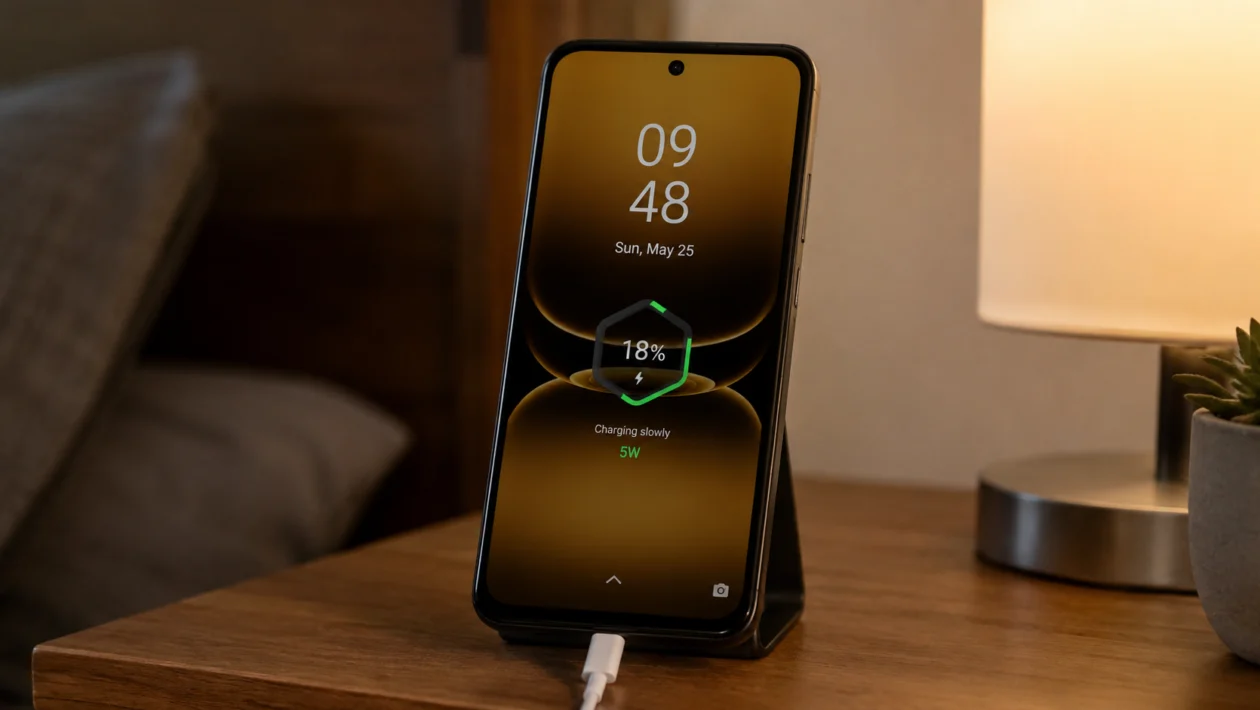
If your Infinix Smart 20 is charging slowly, start by checking the charger, USB-C cable, charging port, power source, phone temperature, and background apps. The Infinix Smart 20 supports 10W charging with the included charger and up to 15W supported charging, so it will not charge as fast as phones with 33W, 45W, or higher fast charging.
Slow charging does not always mean the battery is damaged. In many cases, the problem comes from a weak adapter, damaged cable, dirty charging port, hot phone, power bank, extension socket, background activity, or charging while using the phone.
Quick answer
To fix an Infinix Smart 20 with slow charging, use the original or a good-quality charger and cable, plug it directly into a wall outlet, clean the USB-C port carefully, restart the phone, and avoid using the phone while charging.
Then check for heat, background apps, battery settings, software updates, and signs of cable or port damage. If the phone still charges very slowly with a working charger, the battery, charging port, or internal charging circuit may need service.
Infinix Smart 20 slow charging diagnostic table
| Symptom | Likely cause | What to check first |
|---|---|---|
| Charges very slowly with any charger | Weak adapter, damaged cable, or charging port issue | Charger, cable, USB-C port |
| Charges faster with another cable | Bad USB-C cable | Replace the cable |
| Charging stops and starts | Loose port, dirty port, or unstable power source | USB-C port and wall socket |
| Phone gets hot while charging | Gaming, video, hotspot, or high room temperature | Close apps and cool the phone |
| Battery percentage barely moves | Phone is being used heavily while charging | Stop gaming or streaming |
| Slow charging after update | App activity or system optimization | Restart and update apps |
| Slow charging from power bank | Low-output power bank or bad cable | Use wall charger |
| Charging only works at one angle | Loose cable or damaged port | Try another cable and inspect port |
| Battery drains while plugged in | Heavy use or weak charger | Use proper adapter and stop heavy tasks |
| Still slow after every fix | Possible hardware problem | Visit Infinix service support |
Why is my Infinix Smart 20 charging slowly?
Your Infinix Smart 20 may charge slowly because the phone is not receiving enough power, the charging connection is weak, or the phone is using too much power while charging.
Common causes include:
- Low-quality charger
- Damaged USB-C cable
- Dirty charging port
- Loose charging connection
- Charging from a laptop or weak power bank
- Phone overheating
- Gaming or streaming while charging
- Too many apps running in the background
- Battery optimization problems
- Outdated software
- Battery or charging port damage
The Infinix Smart 20 has a large 5200mAh typical battery, so charging can take time, especially if you are using a low-output charger or using the phone while plugged in.
1. Use the original charger and cable
Start with the charger and cable. This is the most common reason an Infinix Smart 20 charges slowly.
Use the charger that came with the phone if you still have it. If not, use a good-quality charger that supports standard wired charging. Also use a reliable USB-C cable, not a very old, loose, or thin cable.
Avoid using:
- Damaged cables
- Very cheap charging bricks
- Loose USB-C cables
- Random chargers from unknown brands
- Old adapters made for very low-power devices
The Infinix Smart 20 supports up to 15W charging, but if your charger or cable cannot deliver enough power, the phone may charge much slower.
Try this:
- Plug in the phone using your current charger.
- Note how fast the percentage increases after 15 minutes.
- Try another trusted charger and USB-C cable.
- Compare the charging speed.
If the phone charges faster with another charger or cable, your old accessory is likely the problem.
2. Plug the charger directly into a wall outlet
A weak power source can slow down charging.
Charging from a laptop, TV USB port, car USB port, cheap extension cable, or low-output power bank may not give your Infinix Smart 20 enough power. The phone may still show the charging icon, but the battery percentage can rise very slowly.
Do this instead:
- Plug the charger directly into a wall outlet.
- Avoid using a USB port on a laptop or TV.
- Avoid charging through a weak extension socket.
- Wait 10 to 15 minutes.
- Check if the charging speed improves.
This is especially important if your phone says it is charging but the battery percentage barely moves.
3. Clean the USB-C charging port
Dust, lint, and small debris inside the USB-C port can stop the cable from connecting properly. This can make charging slow, unstable, or intermittent.
Before cleaning the port, turn off your Infinix Smart 20.
Then check the port under bright light. If you see dust or lint, clean it carefully.
Safe cleaning tips:
- Use a soft dry brush
- Use a wooden toothpick very gently
- Do not use metal tools
- Do not use water
- Do not push too hard
- Do not blow moisture into the port
After cleaning, plug the cable back in firmly. If the cable now fits better and charging improves, the port was likely blocked by dirt.
4. Restart your Infinix Smart 20
A restart can fix temporary software problems that affect charging.
Sometimes, an app or background process gets stuck and keeps using power while the phone is plugged in. When that happens, the phone may charge slowly because it is using battery almost as fast as it is receiving power.
To restart your Infinix Smart 20:
- Press and hold the Power button.
- Tap Restart.
- Wait for the phone to turn back on.
- Plug in the charger again.
- Check the charging speed after 10 to 15 minutes.
This will not delete your photos, apps, messages, or files.
5. Stop using the phone while charging
Your Infinix Smart 20 may charge slowly if you are using it heavily while it is plugged in.
Gaming, video calls, TikTok, YouTube, mobile data, hotspot, GPS, and camera use can all consume power while the battery is trying to charge. If the phone also gets warm, charging may slow down even more to protect the battery.
For a better charging test:
- Plug in the phone.
- Turn off the screen.
- Leave it unused for 20 minutes.
- Check how much the battery percentage increased.
If the phone charges much faster when the screen is off, the issue is not always the charger. It may be your usage while charging.
6. Let the phone cool down before charging
Heat can slow charging. If your Infinix Smart 20 is hot, it may reduce charging speed to protect the battery.
This can happen after:
- Gaming
- Long video calls
- Using hotspot
- Charging in a hot room
- Using mobile data for a long time
- Leaving the phone under direct sunlight
- Charging with a thick case
Try this:
- Unplug the charger.
- Close heavy apps.
- Remove the phone case.
- Put the phone in a cool shaded place.
- Wait 10 to 15 minutes.
- Plug it in again.
Do not put the phone in a freezer or in front of direct moisture. Just let it cool naturally.
7. Close background apps before charging
Too many background apps can make charging feel slow because the phone keeps using power while plugged in.
Before charging, close apps you are not using. Pay attention to apps that use mobile data, location, video, or notifications often.
To check app usage:
- Open Settings.
- Go to Battery.
- Check battery usage by app.
- Look for apps using more power than expected.
- Close or restrict apps you do not need.
You can also restart the phone before charging if it feels slow, hot, or overloaded.
Apps that may drain power while charging include:
- Games
- Video apps
- Social media apps
- Navigation apps
- Camera apps
- File-sharing apps
- VPN apps
- Hotspot-related activity
8. Turn on Airplane mode while charging
If you need a faster charge, turn on Airplane mode for a while.
This reduces power use from mobile signal, Wi-Fi, Bluetooth, and background network activity. It can help if your phone charges slowly in areas with weak signal.
To use Airplane mode:
- Swipe down from the top of the screen.
- Tap Airplane mode.
- Plug in the charger.
- Leave the phone charging for 20 to 30 minutes.
- Turn Airplane mode off when you need calls or internet again.
This is not something you need to do every time. Use it when you need a quicker top-up or when the phone is charging slowly in a weak-signal area.
9. Update the phone software and apps
Software bugs can sometimes affect battery use and charging behavior.
If the slow charging started after an app update or system update, update everything first before assuming the battery is bad.
To check for phone updates:
- Open Settings.
- Tap System.
- Tap System update.
- Download and install any available update.
The exact path may vary depending on your XOS version.
To update apps:
- Open Google Play Store.
- Tap your profile icon.
- Tap Manage apps and device.
- Tap Update all.
After updating, restart your phone and test charging again.
10. Check for battery or charging port damage
If your Infinix Smart 20 still charges slowly after trying different chargers, cables, outlets, and software fixes, the problem may be hardware-related.
Possible hardware issues include:
- Worn battery
- Loose USB-C port
- Damaged charging board
- Moisture damage
- Internal charging circuit problem
- Bent or dirty connector pins
Signs you may need service:
- The cable only works at a certain angle
- The phone charges and stops repeatedly
- The phone gets unusually hot while charging
- The battery percentage does not increase for a long time
- The phone charges slowly with every charger
- The charging port feels loose
- The phone shuts down even with battery left
At this point, do not keep forcing the cable into the port. Visit an authorized Infinix service center or a trusted phone repair shop for inspection.
What charger should you use for Infinix Smart 20?
Use the original Infinix charger if you have it. The Infinix Smart 20 is listed with a 10W charger and up to 15W supported charging, depending on charger and region.
A higher-watt charger will not always make the phone charge much faster. The phone can only charge within its supported limit. What matters more is using a safe, compatible charger and a good USB-C cable.
Avoid chargers that get too hot, make buzzing sounds, disconnect randomly, or feel loose when plugged in.
How long should Infinix Smart 20 take to charge?
Charging time depends on the charger, cable, battery level, temperature, and whether you use the phone while charging.
Because the Infinix Smart 20 has a large 5200mAh battery and does not use very high-watt fast charging, it may take a few hours to charge fully from a low percentage. If it takes much longer than usual, or the battery barely moves after 30 minutes, check the charger, cable, port, and phone temperature first.
FAQs
Why is my Infinix Smart 20 charging but the percentage is not increasing?
This usually happens when the charger is too weak, the cable is damaged, the port is dirty, or the phone is using too much power while charging. Stop using the phone, plug it into a wall outlet, and try another cable.
Does Infinix Smart 20 support fast charging?
The Infinix Smart 20 supports up to 15W charging, with a 10W charger listed by Infinix for the device. It is not designed to charge as fast as phones with 33W, 45W, or higher charging.
Can a bad cable cause slow charging?
Yes. A damaged or low-quality USB-C cable can reduce charging speed, disconnect randomly, or make the phone charge only when the cable is positioned a certain way.
