
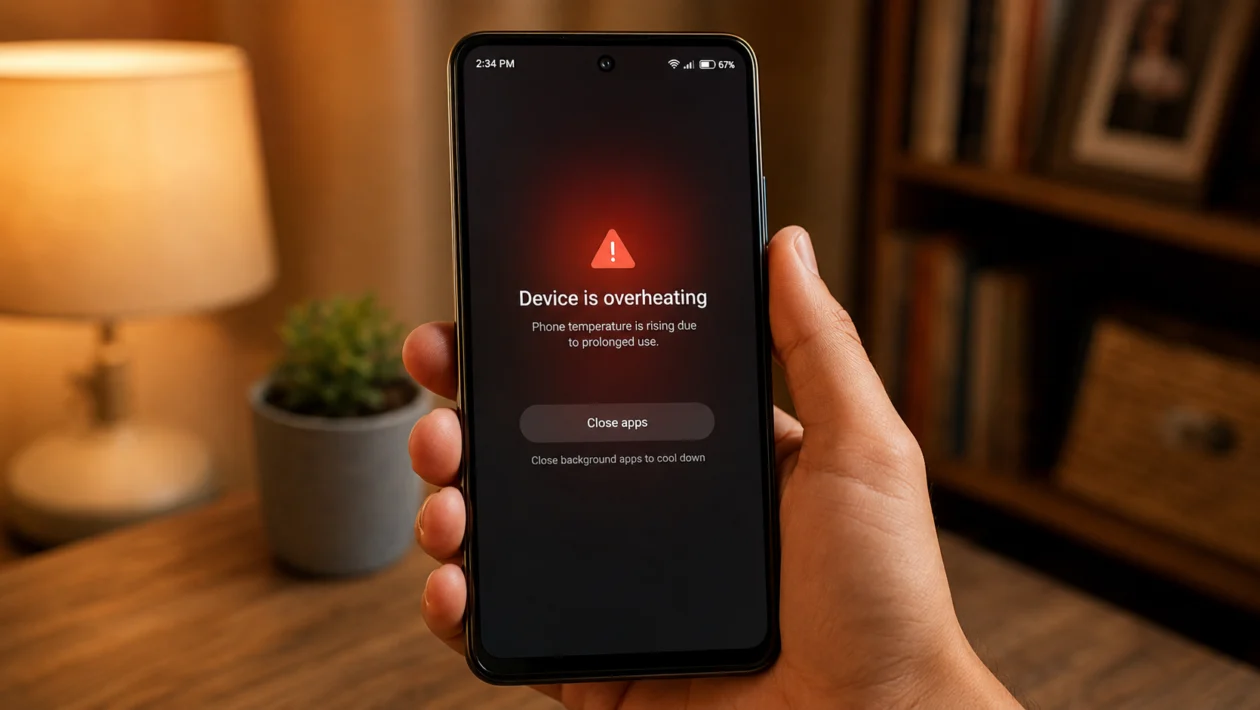
If your Infinix Smart 20 gets hot after long use, the phone is usually working harder than normal. This can happen while gaming, watching videos, using mobile data, charging, recording video, or keeping too many apps open in the background.
A little warmth is normal during heavy use. Overheating is different. If the phone feels uncomfortable to hold, slows down, closes apps, drains battery quickly, or warns you about temperature, you should stop using it and let it cool first.
The Infinix Smart 20 is a budget Android phone, so it can heat up faster when pushed for long periods. Start with the simple fixes below before assuming the battery or hardware is faulty.
Quick answer
To fix an Infinix Smart 20 that overheats during prolonged use, close heavy apps, remove the case, lower brightness, stop gaming or streaming while charging, switch from mobile data to Wi-Fi when possible, update the phone, and turn on power-saving settings.
Also check battery usage under Settings > Battery to see which apps are using too much power. If the phone still overheats even when idle, charging slowly, or doing basic tasks, contact Infinix support or visit an authorized service center.
Infinix Smart 20 overheating diagnostic table
| Symptom | Likely cause | What to check first |
|---|---|---|
| Gets hot while gaming | High CPU and graphics load | Game settings, background apps, brightness |
| Gets hot while charging | Charging heat plus active use | Charger, cable, case, apps running |
| Gets hot on mobile data | Weak signal or constant network searching | Signal strength, 4G connection, Wi-Fi |
| Gets hot while watching videos | Display brightness, speaker use, streaming load | Brightness, video quality, open apps |
| Gets hot in your pocket | Background app, hotspot, location, poor signal | Battery usage and quick settings |
| Gets hot after an update | Apps re-optimizing or software bug | App updates and phone restart |
| Gets hot even when idle | Faulty app, malware, system issue, battery problem | Battery usage and safe mode |
| Gets hot with battery drain | App or network using too much power | Battery usage by app |
| Gets hot under sunlight | External heat exposure | Move phone to a cooler place |
| Gets hot and shuts down | Serious thermal or hardware issue | Stop using it and seek service |
Why your Infinix Smart 20 overheats during prolonged use
Your Infinix Smart 20 may overheat because the processor, display, battery, modem, and apps are all working at the same time for too long.
Common causes include:
Too many apps running in the background
Long gaming sessions
High screen brightness
Using the phone while charging
Weak mobile signal
Hot weather or direct sunlight
Video recording or long video calls
Hotspot, Bluetooth, GPS, and mobile data left on
A buggy app after an update
A damaged charger, cable, battery, or charging port
The goal is to reduce heat from three places: the screen, the processor, and the battery.
1. Stop using the phone and let it cool down first
Start here if the phone already feels hot.
- Stop gaming, streaming, recording, or charging.
- Lock the phone.
- Remove it from direct sunlight.
- Place it on a cool, dry surface.
- Wait until it feels normal again before using it.
Do not put the phone in a fridge or freezer. Sudden temperature changes can cause moisture problems inside the device.
Also avoid putting the phone under a pillow, blanket, or thick fabric while it is cooling. Heat needs a way to escape.
This is the fastest fix when the overheating is caused by long continuous use.
2. Remove the phone case during heavy use
A thick case can trap heat, especially during gaming, charging, video calls, or hotspot use.
Try this:
- Remove the case.
- Use the phone normally for 15 to 30 minutes.
- Check whether it feels cooler than before.
- If it improves, use a thinner case or remove the case during heavy tasks.
This is worth doing if the back of the phone gets hot first. The battery and internal components release heat through the body of the phone, so a bulky case can make the heat stay longer.
Use this especially when playing Mobile Legends, watching YouTube for hours, using TikTok Live, or charging the phone while browsing.
3. Close heavy apps running in the background
Apps can continue using power even when you are not actively looking at them. Social media apps, games, camera apps, navigation apps, shopping apps, VPNs, and video apps are common causes.
To check battery usage:
- Open Settings.
- Tap Battery.
- Tap Battery usage.
- Look for apps using more battery than expected.
- Close, update, restrict, or uninstall the app if needed.
You can also close recent apps:
- Tap the recent apps button.
- Swipe away apps you are not using.
- Keep only the app you need open.
Do not keep switching between several heavy apps. For example, playing a game while Messenger, Facebook, TikTok, Chrome, and YouTube are open can make the phone heat faster.
If one app keeps appearing at the top of battery usage even when you barely use it, that app may be the problem.
4. Lower screen brightness and shorten screen timeout
The screen is one of the biggest heat and battery users on any phone. If brightness is high during long use, the Infinix Smart 20 can heat up faster.
Change these settings:
- Open Settings.
- Tap Display.
- Lower the brightness.
- Turn on Adaptive brightness if available.
- Tap Screen timeout.
- Choose 30 seconds or 1 minute.
If you are watching videos indoors, you usually do not need maximum brightness. Lowering brightness can reduce heat and slow down battery drain.
Also avoid leaving the screen on when you are not using the phone. A long screen timeout keeps the display active for no reason, which adds heat during already long sessions.
5. Avoid using the phone while charging
Charging already creates heat. Using the phone heavily while charging adds more heat from the screen, processor, battery, and network connection.
Avoid these while charging:
Gaming
Video calls
TikTok Live
YouTube streaming
Mobile hotspot
Camera recording
Large downloads
App updates
Long social media scrolling
A safer charging habit:
- Plug in the phone.
- Leave it on a flat surface.
- Avoid placing it under a pillow or blanket.
- Stop using heavy apps until charging is done.
- Unplug it if it becomes too hot.
Also use a reliable charger and cable. A damaged charger, loose cable, or dirty charging port can cause charging heat.
If your Infinix Smart 20 gets very hot every time it charges, even when you are not using it, stop using that charger and have the phone checked.
6. Switch to Wi-Fi when the mobile signal is weak
Weak signal can make your phone work harder. If your Infinix Smart 20 keeps searching for a stronger mobile connection, it can heat up and drain battery faster.
This often happens:
Inside buildings
In basements
In elevators
In rural areas
During travel
In crowded places
In rooms with poor signal
Try this:
- Connect to Wi-Fi when available.
- Turn off mobile data if you do not need it.
- Move to a place with better signal.
- Avoid long downloads on weak mobile data.
- Turn on Airplane mode temporarily if signal is unusable.
If the phone only overheats when using mobile data, the issue may not be the phone itself. It may be poor network coverage.
7. Turn off features you are not using
Some features keep the phone active in the background. They may not cause overheating alone, but together they can add heat during long use.
Turn off these when not needed:
Bluetooth
GPS or Location
Mobile hotspot
Nearby Share
Auto-sync
Mobile data
Wi-Fi scanning
Portable hotspot
Screen recording
You can check them from the quick settings panel:
- Swipe down from the top of the screen.
- Swipe down again to expand quick settings.
- Turn off anything you are not using.
Location is worth checking closely. Some apps request location in the background, especially maps, delivery apps, weather apps, ride-hailing apps, and social apps.
To check location access:
- Open Settings.
- Tap Location.
- Check recent location access.
- Limit apps that do not need constant location.
If the phone gets hot in your pocket, background location, hotspot, or weak signal is often involved.
8. Update your apps and phone software
A buggy app can overuse the processor and battery. This can make the phone hot even when you are doing normal tasks.
Update apps first:
- Open Google Play Store.
- Tap your profile icon.
- Tap Manage apps and device.
- Tap Update all.
Then check for phone updates:
- Open Settings.
- Tap System.
- Tap System update.
- Install any available update.
The exact menu names may vary depending on your XOS version.
If the overheating started after an app update, uninstall or disable the app temporarily and check if the phone improves. If it started after a system update, restart the phone and give it some normal use time. Some background processes may run after updates.
Do not download APKs from random websites just to fix overheating. They can add malware, ads, or background services that make the problem worse.
9. Use Power Saving mode during long sessions
Power Saving mode can reduce background activity and help the phone run cooler. It may lower performance slightly, but that is better than overheating during long use.
To turn it on:
- Open Settings.
- Tap Battery.
- Turn on Power Saving mode.
Use it when:
You are watching videos for a long time
You are outside in hot weather
You have low battery
You are using mobile data
You need the phone to last longer
The phone feels warm but not dangerously hot
For games, also lower in-game graphics settings if possible. Choose medium or low graphics, reduce frame rate, and turn off extra visual effects.
This is especially useful on budget phones because lower graphics settings reduce processor load. The game may look less sharp, but the phone should stay cooler and more stable.
10. Check for hardware problems if overheating continues
If your Infinix Smart 20 still overheats after all software fixes, the problem may be hardware-related.
Possible hardware causes include:
Damaged battery
Faulty charging port
Bad charger or cable
Internal short
Water or moisture damage
Swollen battery
Previous drop damage
Poor repair or replacement parts
Stop using the phone and seek service if you notice:
The phone gets hot while idle
The phone heats up immediately after turning on
The battery drains unusually fast
The back cover looks swollen
The phone smells burnt
Charging stops randomly
The phone shuts down because of heat
The screen lifts from the body
The phone becomes too hot to hold
Do not keep charging a phone that may have a battery issue. Battery-related heat should be taken seriously.
Contact Infinix support or visit an authorized service center. If the phone is still under warranty, avoid opening it yourself because that may affect warranty coverage.
Best settings to reduce Infinix Smart 20 overheating
Use these settings if your phone often gets warm during long use:
| Setting | Recommended option |
| Brightness | Keep below 50% indoors |
| Screen timeout | 30 seconds or 1 minute |
| Power Saving mode | Turn on during long sessions |
| Mobile hotspot | Off when not needed |
| Location | Allow only for needed apps |
| Mobile data | Use Wi-Fi when signal is weak |
| Background apps | Restrict heavy apps |
| Game graphics | Use medium or low settings |
| Case | Remove during gaming or charging |
| Charging | Avoid heavy use while plugged in |
How to prevent your Infinix Smart 20 from overheating again
Use the phone in shorter sessions when gaming or streaming. Let it rest for a few minutes between long tasks.
Keep brightness lower indoors. Use Wi-Fi when available. Do not charge and play games at the same time. Remove the case during heavy use. Keep apps updated. Delete apps you do not trust.
Also pay attention to where you use the phone. A phone that works fine indoors may overheat quickly under direct sunlight, inside a hot car, or in a room with poor airflow.
FAQs
Is it normal for the Infinix Smart 20 to get warm?
Yes, it can get warm during gaming, charging, video recording, mobile data use, or long video streaming. It is not normal if it becomes too hot to hold, shuts down, or heats up while idle.
Why does my Infinix Smart 20 overheat while charging?
It may be caused by charging heat, using the phone while plugged in, a thick case, a damaged cable, a weak charger, or a battery issue. Stop using the phone while charging and test with a reliable charger.
Why does my Infinix Smart 20 heat up while playing games?
Games use the processor, graphics, display, speaker, network, and battery at the same time. Lower the graphics settings, close background apps, reduce brightness, and take breaks between sessions.
