
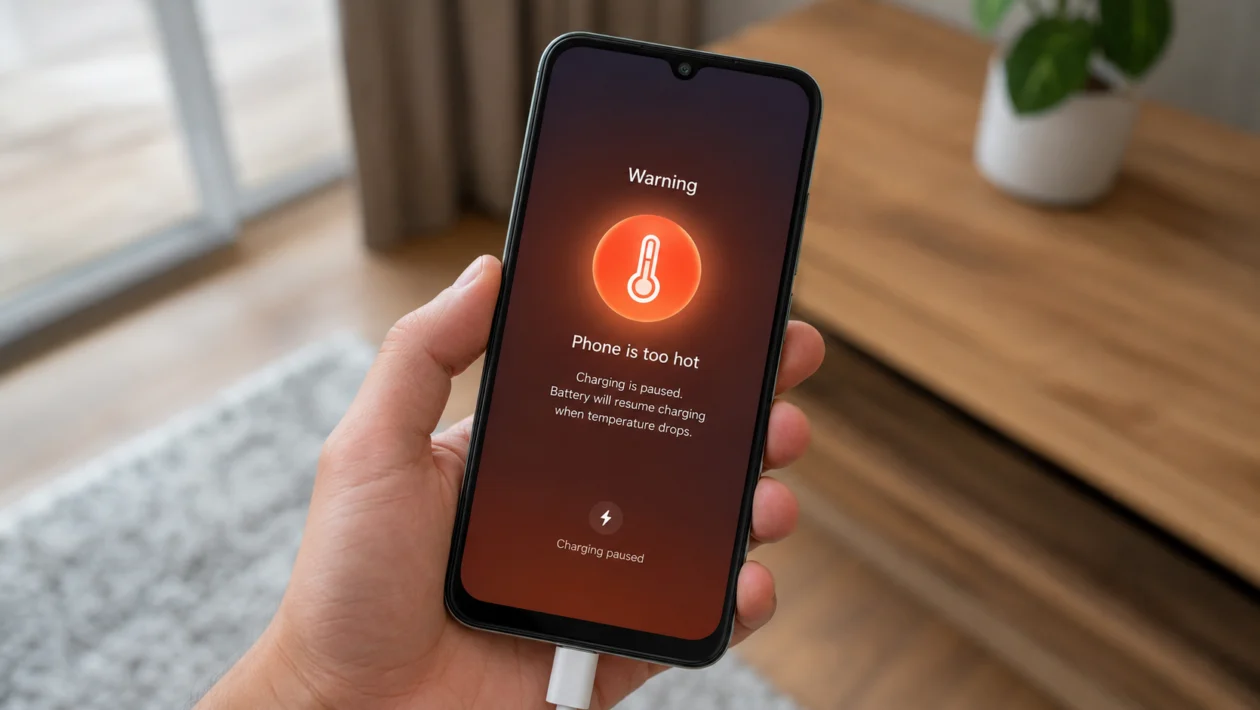
If your Xiaomi Poco C81 Pro gets hot while charging, do not ignore it, especially if the heat feels unusual, the phone slows down, charging stops, or the battery percentage barely moves.
Some warmth is normal during charging. The Poco C81 Pro has a large 6000mAh typical battery, and Xiaomi notes that fast charging can generate more heat than standard charging. Heat can also build up faster when the phone is used for gaming, video, mobile data, hotspot, camera, or navigation while plugged in.
Start with the simple fixes first. Most charging heat problems come from the charger, cable, phone case, room temperature, background apps, or heavy use while charging.
Quick Answer
To fix a Xiaomi Poco C81 Pro overheating when charging, unplug it first and let it cool down. Then use the original charger and cable, remove the phone case, charge it on a hard surface, close heavy apps, avoid gaming or video while charging, and move it away from direct sunlight.
If the phone gets extremely hot, shuts down, smells burnt, swells, or keeps overheating even when idle, stop charging and take it to a Xiaomi service center.
Xiaomi Poco C81 Pro Charging Heat Diagnostic Table
| Symptom | Likely Cause | What to Check First |
|---|---|---|
| Phone gets warm but charges normally | Normal charging heat | Charger, room temperature, case |
| Phone gets hot while gaming and charging | Heavy processor load | Games, video apps, background apps |
| Phone heats up only with one charger | Charger or cable issue | Use original charger and cable |
| Phone heats up on bed or sofa | Trapped heat | Charge on a hard, flat surface |
| Charging slows down or stops | Battery temperature protection | Let the phone cool |
| Phone heats after an update | Background app optimization | Restart and wait for normal use |
| Phone gets hot while idle and plugged in | App, system, or hardware issue | Battery usage and service check |
| Phone shuts down while charging | High temperature protection or fault | Stop charging and inspect |
Why Your Xiaomi Poco C81 Pro Overheats When Charging
Your Poco C81 Pro may overheat during charging because the battery, charger, processor, screen, and background apps are all producing heat at the same time.
Common causes include:
- Using the phone while charging
- Gaming while plugged in
- Watching videos during charging
- Charging in a hot room
- Charging under direct sunlight
- Using a thick phone case
- Charging on a bed, sofa, pillow, or blanket
- Using a low-quality charger or cable
- Background apps running heavily
- System activity after a software update
- Weak mobile signal while charging
- Possible battery or hardware fault
Xiaomi says phone batteries work best within a normal temperature range, and charging may be limited when the phone gets too hot. Xiaomi also says the phone may shut down automatically if the battery temperature becomes too high.
1. Unplug the Phone and Let It Cool First
Do this before changing settings.
If your Xiaomi Poco C81 Pro feels very hot, unplug it from the charger and leave it alone for a few minutes. Do not put it in a refrigerator or freezer. A sudden temperature change can create moisture and may damage the phone.
Place it on a cool, dry, hard surface. Wait until it feels normal again before charging.
This matters because Xiaomi says charging behavior can change when the phone is above its ideal working temperature range. If the battery gets too hot, charging may be limited or the phone may shut down for protection.
2. Use the Original Charger and Cable
A bad charger is one of the easiest causes to miss.
Use the official Xiaomi or Poco charger and USB cable that came with the phone, or a trusted charger with the correct rating. Avoid cheap adapters, loose cables, damaged cables, and unknown fast chargers.
Check for:
- Bent cable ends
- Loose USB-C fit
- Burn marks
- Cracked adapter casing
- Charging that disconnects and reconnects
- Heat that happens only with one charger
Xiaomi recommends using the original charger and cable because low-quality or incompatible charging accessories can cause abnormal heating.
3. Remove the Phone Case While Charging
A thick case can trap heat around the Poco C81 Pro.
This is more noticeable if you use a rugged case, wallet case, leather-style case, or a case with a ring holder or magnetic plate. Remove the case, then charge the phone again and compare the temperature.
This fix is especially useful if the phone gets hot near the back panel or battery area.
Xiaomi specifically notes that charging with a protective case can trap heat and recommends removing the case during charging for better heat dissipation.
4. Charge on a Hard Surface, Not on a Bed or Sofa
Where you place the phone matters.
Do not charge your Poco C81 Pro on a bed, pillow, blanket, sofa, or under clothes. Soft surfaces hold heat around the phone and charger.
Better places to charge:
- Wooden desk
- Table
- Tile surface
- Bedside stand
- Open shelf with airflow
Xiaomi advises avoiding fabric surfaces like sofas and beds during charging because they can increase heat buildup.
5. Stop Gaming, Streaming, or Recording While Charging
This is the biggest real-world cause for many users.
Gaming, video streaming, camera recording, video calls, GPS, and hotspot all make the phone work harder. Charging already creates heat. Doing both at the same time can push the phone temperature up quickly.
While charging, avoid:
- Mobile games
- TikTok, YouTube, Netflix, or Reels for long periods
- Camera recording
- Hotspot
- Navigation
- Video calls
- Large downloads
- Heavy app updates
Xiaomi says heavy usage like gaming while charging can cause overheating, and it recommends closing unnecessary apps or stopping high-performance activities while plugged in.
6. Close Background Apps Before Charging
Your Poco C81 Pro can heat up even when you are not actively using it if apps are running in the background.
Before charging:
- Open the recent apps screen.
- Close apps you are not using.
- Open Settings.
- Tap Battery.
- Check which apps are using the most power.
- Restrict or uninstall apps that are draining battery unusually fast.
Look closely at social media apps, games, camera apps, shopping apps, VPNs, file-sync apps, and apps that use location.
7. Turn Off Hotspot, GPS, Bluetooth, and Mobile Data While Charging
Wireless features can add heat, especially in weak signal areas.
Before charging, turn off anything you do not need:
- Mobile hotspot
- GPS or Location
- Bluetooth
- NFC
- Mobile data
- Wi-Fi scanning
- Nearby Share
- Background syncing
This helps most when the phone heats up while charging on mobile data but stays cooler on Wi-Fi.
Weak signal can make the phone work harder to stay connected. If your room has poor signal, switch to Wi-Fi or turn on Airplane mode while charging.
8. Move the Phone to a Cooler Place
Charging in a hot room can make normal charging heat feel much worse.
Avoid charging your Poco C81 Pro:
- Under direct sunlight
- Inside a parked car
- Near a window
- Beside a laptop exhaust
- Near a power bank that is also hot
- Under a pillow
- Near a heater
Charge it in a cooler, shaded place with airflow.
Xiaomi says excessive ambient temperature can lead to overheating and recommends charging in a cool environment to manage temperature.
9. Restart and Update the Phone
A software glitch can keep apps or system services active while charging.
Restart first:
- Hold the Power button.
- Tap Restart.
- Wait for the phone to boot.
- Charge again and check if the heat improves.
Then check updates:
- Open Settings.
- Tap About phone.
- Tap HyperOS version or System update.
- Install available updates.
- Open Google Play Store.
- Update your apps.
If the overheating started after a software update, give the phone some time to finish background optimization. Xiaomi says heat can happen after system updates because the system may optimize installed apps in the background.
10. Check for Battery or Hardware Problems
Do this if none of the fixes above work.
Stop charging and get the phone checked if you notice any of these signs:
- The phone becomes too hot to hold
- Charging stops repeatedly
- Battery percentage drops while charging
- The phone shuts down while plugged in
- The back cover is lifting
- The battery looks swollen
- There is a burning smell
- The charging port feels loose
- The phone overheats even when powered off
- The phone was dropped, wet, or repaired before
Xiaomi recommends going to an authorized after-sales center if overheating is very serious or if abnormal heating happens with other faults such as charging failure, power issues, touch problems, camera failure, or SIM detection problems.
What Not to Do When Your Poco C81 Pro Gets Hot While Charging
Do not keep using it while it is very hot.
Also avoid:
- Putting the phone in the freezer
- Covering it with a cloth
- Charging under a pillow
- Using a damaged cable
- Using random high-wattage chargers
- Ignoring battery swelling
- Playing games while plugged in
- Charging in direct sunlight
- Leaving it inside a hot car
Heat is not always dangerous, but repeated high heat can shorten battery life and may point to a charger, battery, or hardware problem.
When Is Charging Heat Normal?
Charging heat is usually normal if:
- The phone is only mildly warm
- Charging continues normally
- The heat drops after unplugging
- The phone cools after reaching a higher battery percentage
- It happens during heavy use or fast charging
- It does not shut down or show warnings
Xiaomi notes that fast charging can come with some heat, and heat may be more noticeable when the phone is locked or charging quickly.
When Should You Worry?
You should worry if the Poco C81 Pro gets hot every time you charge it, even when you are not using it.
You should also stop charging immediately if the phone smells burnt, shuts down, shows a battery warning, charges very slowly because of heat, or the back cover looks swollen.
At that point, do not keep testing chargers at home. Get the phone inspected.
FAQs
Why does my Xiaomi Poco C81 Pro heat up while charging?
It may heat up because charging produces heat, and the temperature can rise more if you are gaming, watching videos, using mobile data, charging in a hot room, or using a poor charger. Xiaomi also says fast charging can generate more heat than standard charging.
Is it safe to use the Poco C81 Pro while charging?
Light use is usually fine, but avoid gaming, video recording, hotspot, navigation, or long video streaming while charging. These tasks add processor, screen, network, and battery load at the same time.
Should I remove the case while charging?
Yes, especially if the phone feels hot. Xiaomi says a protective case can trap heat during charging, so removing it can help the phone cool better.
