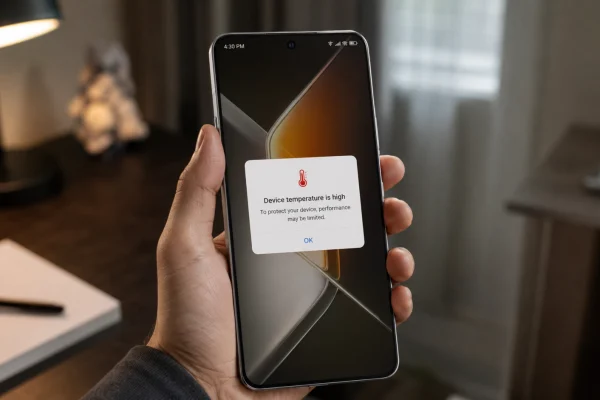
If your Infinix GT 50 Pro overheating problem shows up after long gaming sessions, video calls, charging, hotspot use, or heavy multitasking, the phone may …

Learn how to get the most out of your smartphone with our mobile category. We provide tutorials to master your device’s features and troubleshooting tips to fix common iPhone and Android issues.
If your Infinix GT 50 Pro overheating problem shows up after long gaming sessions, video calls, charging, hotspot use, or heavy multitasking, the phone may …
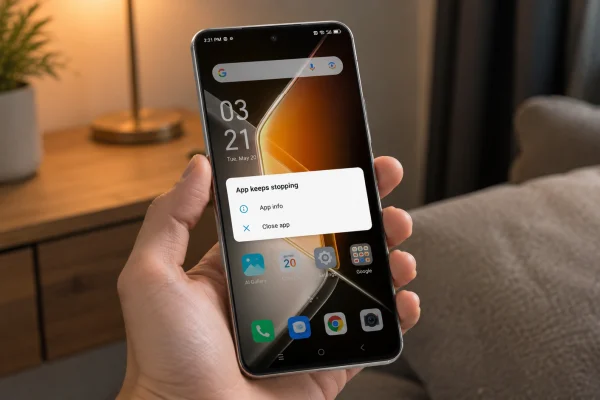
If your Infinix GT 50 Pro keeps closing apps by itself, freezing for a second, or sending you back to the home screen, the problem …
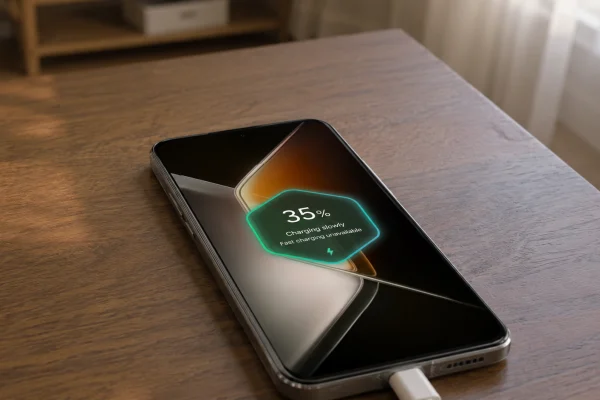
If your Infinix GT 50 Pro is charging slowly, not showing fast charging, or taking much longer than usual to reach 100%, the problem is …
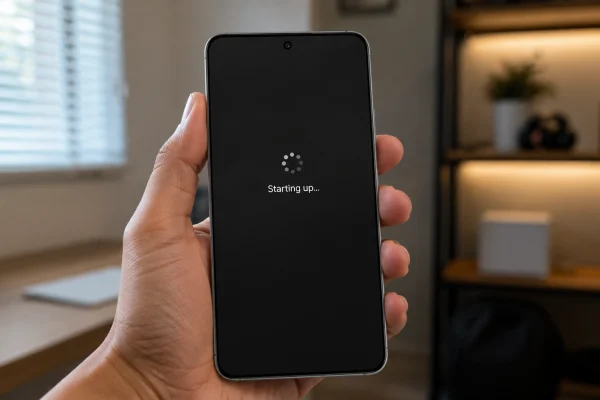
If your Infinix GT 50 Pro is stuck on the boot screen, it usually means the phone cannot finish loading XOS properly. You may see …
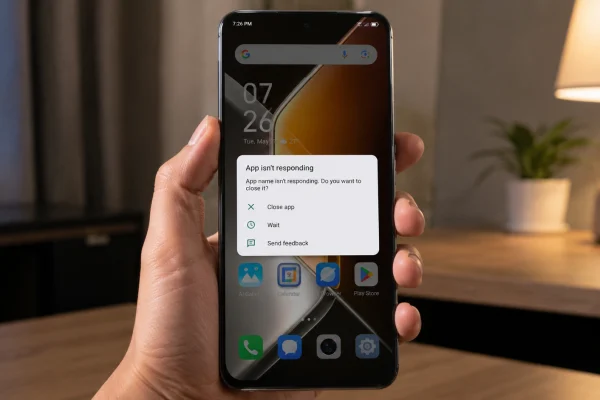
If apps keep crashing on your Infinix GT 50 Pro, the problem is usually caused by corrupted app cache, outdated apps, low storage, strict battery …
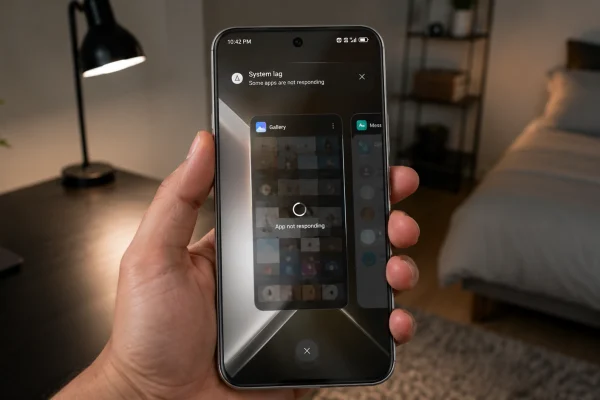
If your Infinix GT 50 Pro apps are lagging, freezing, opening slowly, or stuttering when you switch between apps, the problem is usually caused by …
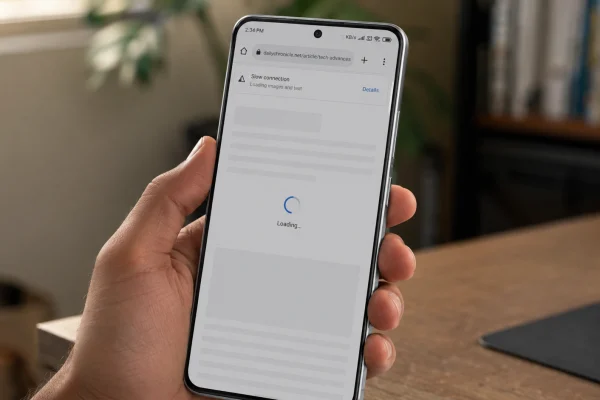
If your Infinix GT 50 Pro has poor connection, the problem may come from weak signal, mobile data settings, Wi-Fi interference, 5G coverage, SIM issues, …
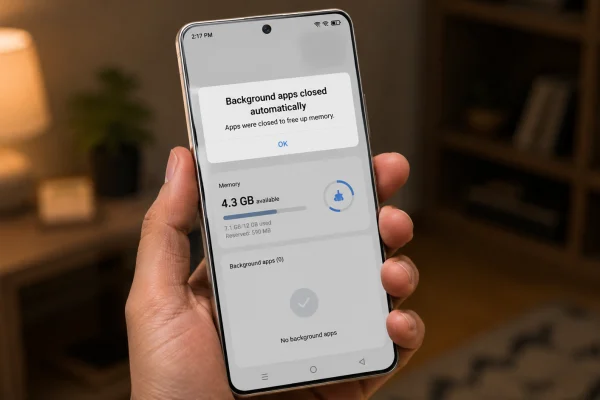
If your Infinix GT 50 Pro keeps closing apps in the background, the phone is probably trying too hard to save battery or free memory. …
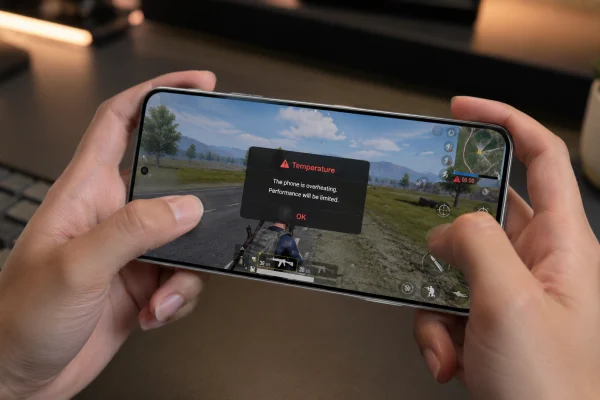
If your Infinix GT 50 Pro gets hot while gaming, start by lowering graphics settings, closing background apps, turning off charging during play, and checking …
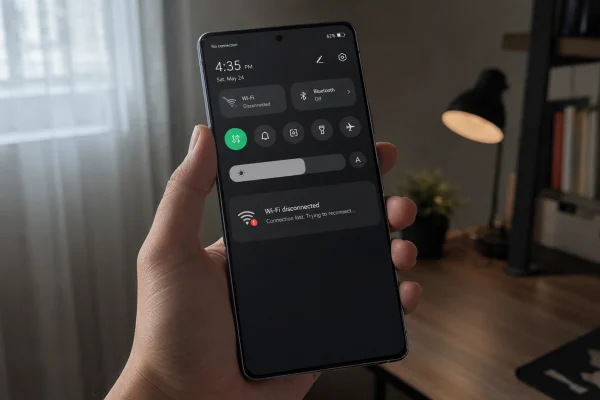
If your Infinix GT 50 Pro Wi-Fi keeps cutting off, reconnecting, or dropping internet while other devices stay connected, the problem is usually caused by …
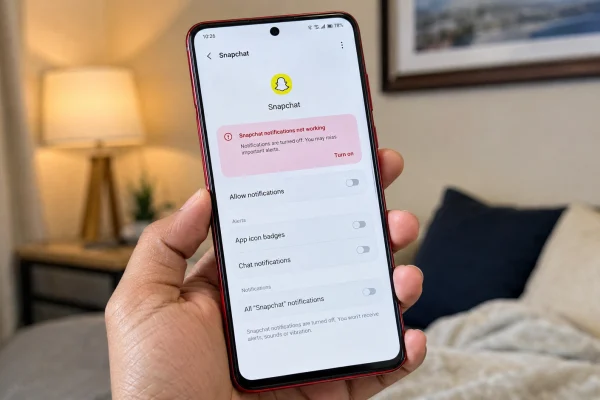
If Snapchat notifications are not working on your vivo Y51 Pro, the problem is usually caused by disabled notification access, muted Snapchat alerts, battery restrictions, …
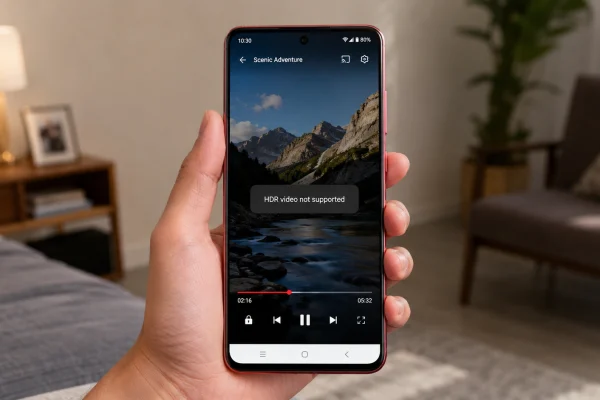
If your vivo Y51 Pro won’t play HDR videos, the problem may not be the video itself. It can happen because of app support, DRM …
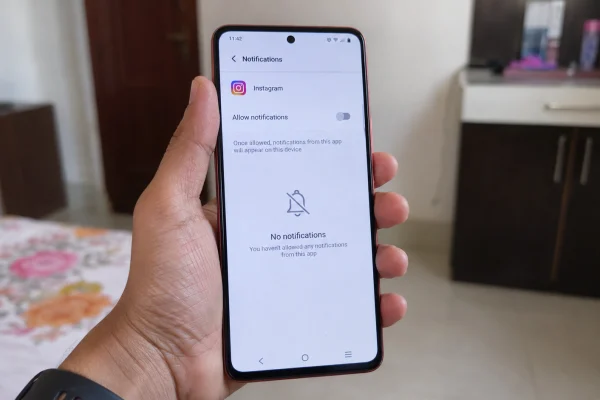
If new numbers cannot call your vivo Y51 Pro, the problem is usually caused by a call blocking setting, spam filter, Do Not Disturb mode, …
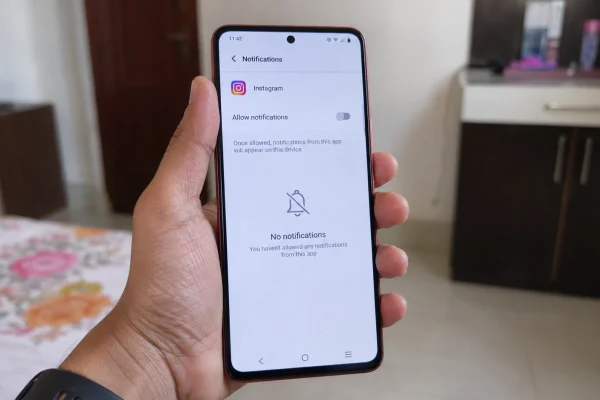
If Instagram notifications are not showing on your vivo Y51 Pro lock screen, the problem is usually caused by a lock screen notification setting, Instagram …
If SMS badges are not showing on your vivo Y51 Pro, the problem is usually caused by notification settings, app icon badge settings, the Messages …