
You pull out your Galaxy A57, take what looks like a great photo, then open it and notice the problem. It’s blurry. Before you assume …

You pull out your Galaxy A57, take what looks like a great photo, then open it and notice the problem. It’s blurry. Before you assume …
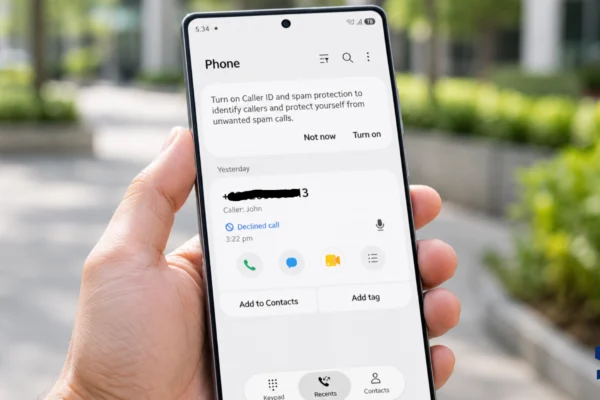
Calls on your Galaxy S26 Ultra may disconnect because of weak cellular coverage, an unstable Wi-Fi Calling connection, incorrect network selection, SIM or eSIM provisioning …
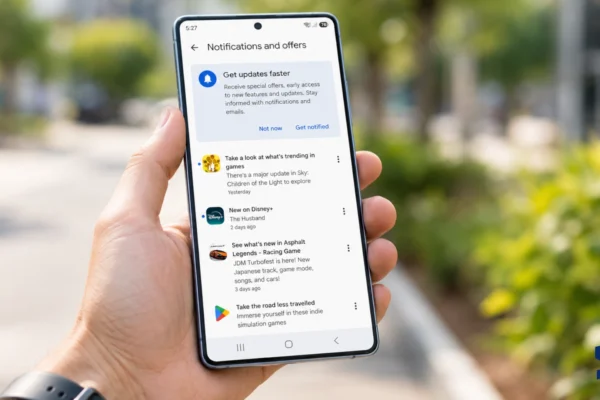
Notifications may arrive late on your Galaxy S26 Ultra when an app cannot stay active or access the internet in the background. Common causes include …
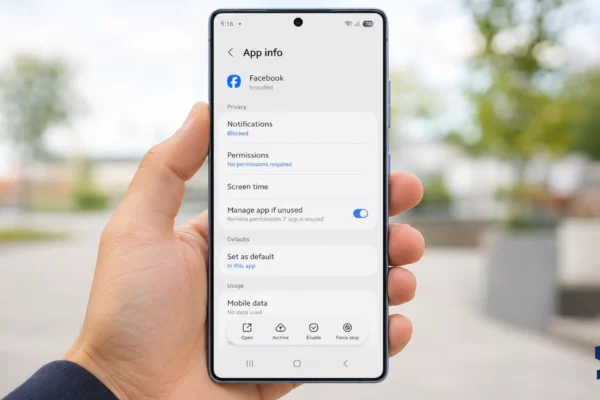
Apps may crash after a Galaxy S26 Ultra update because the phone’s system software has changed while one or more apps are still using outdated …
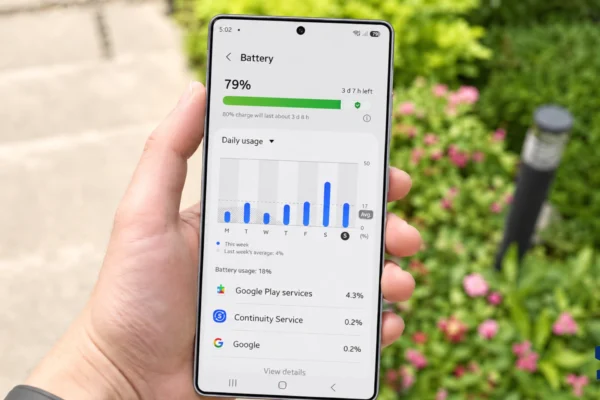
Your Galaxy S26 Ultra can lose power quickly even when you barely touch it because screen time is only one part of battery use. Apps …
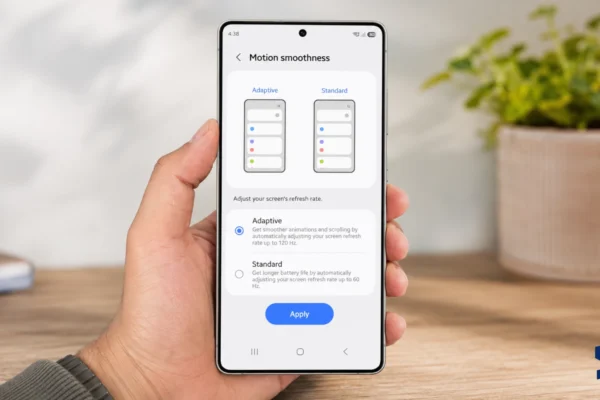
The Galaxy S26 Ultra can adjust its display from 1Hz to 120Hz, but that does not mean everything on the screen runs at 120 frames …
Galaxy A57 not charging can happen because of a bad cable, weak adapter, dirty charging port, moisture warning, overheating, software glitch, or battery-related issue. It …

Galaxy A57 screen flickering can happen because of adaptive brightness, display settings, a software glitch, a bad app, overheating, or physical screen damage. The flicker …
Galaxy A57 stuck on Samsung logo usually means the phone started the boot process but failed to load Android properly. This can happen after a …
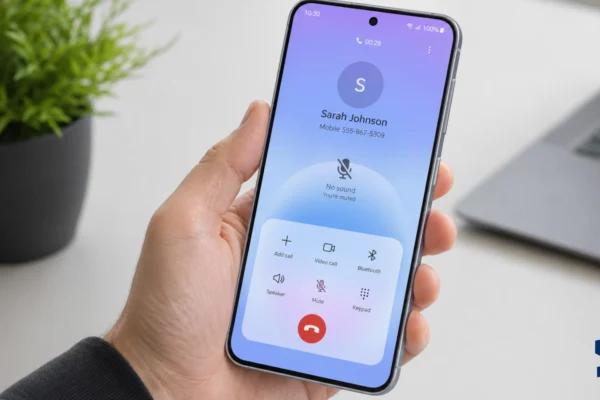
Galaxy A57 no sound usually happens because of muted volume, Bluetooth routing, Do Not Disturb, app sound settings, speaker blockage, software glitches, or call audio …

Galaxy A57 lagging usually happens when the phone is overloaded by background apps, low storage, heat, software bugs, or apps that are not behaving well …
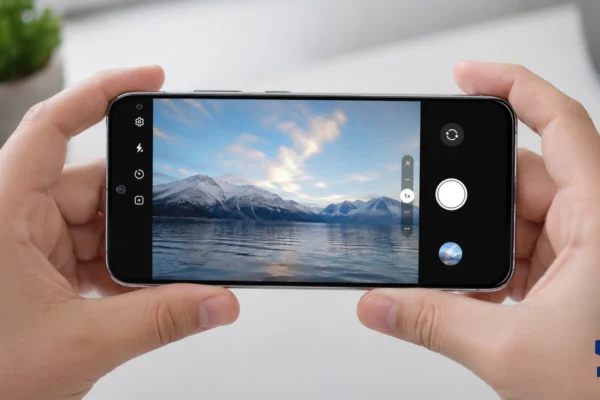
Galaxy A57 camera not working is usually caused by a stuck Camera app, blocked permissions, low storage, overheating, app conflicts, or a software glitch after …
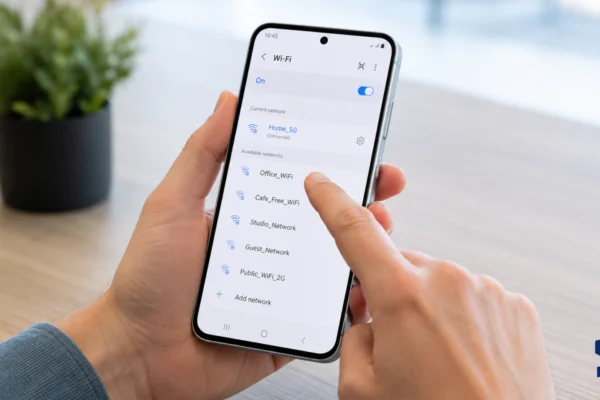
Galaxy A57 Wi-Fi not working can happen because of a weak router signal, a saved network glitch, wrong network settings, software bugs, VPN conflicts, or …
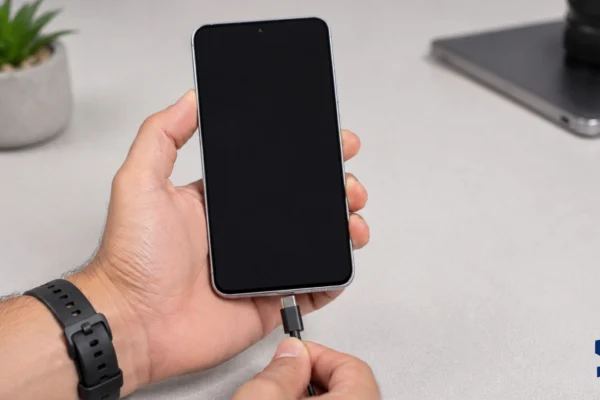
Galaxy A57 battery drains overnight when something keeps working while the screen is off, such as background apps, weak signal, location tracking, sync, or Always …
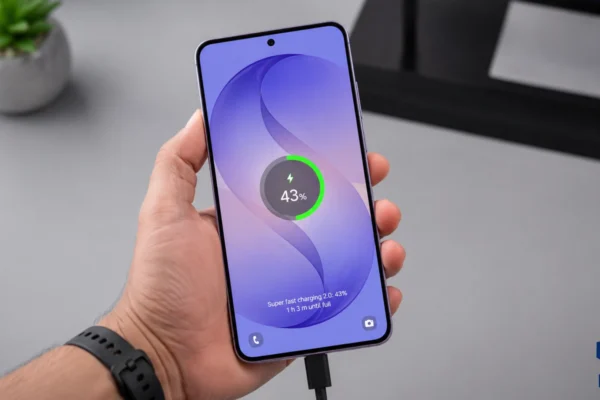
Galaxy A57 battery draining fast is usually caused by apps, display settings, poor signal, 5G switching, location access, overheating, or a recent One UI update. …